Introduction (परिचय)
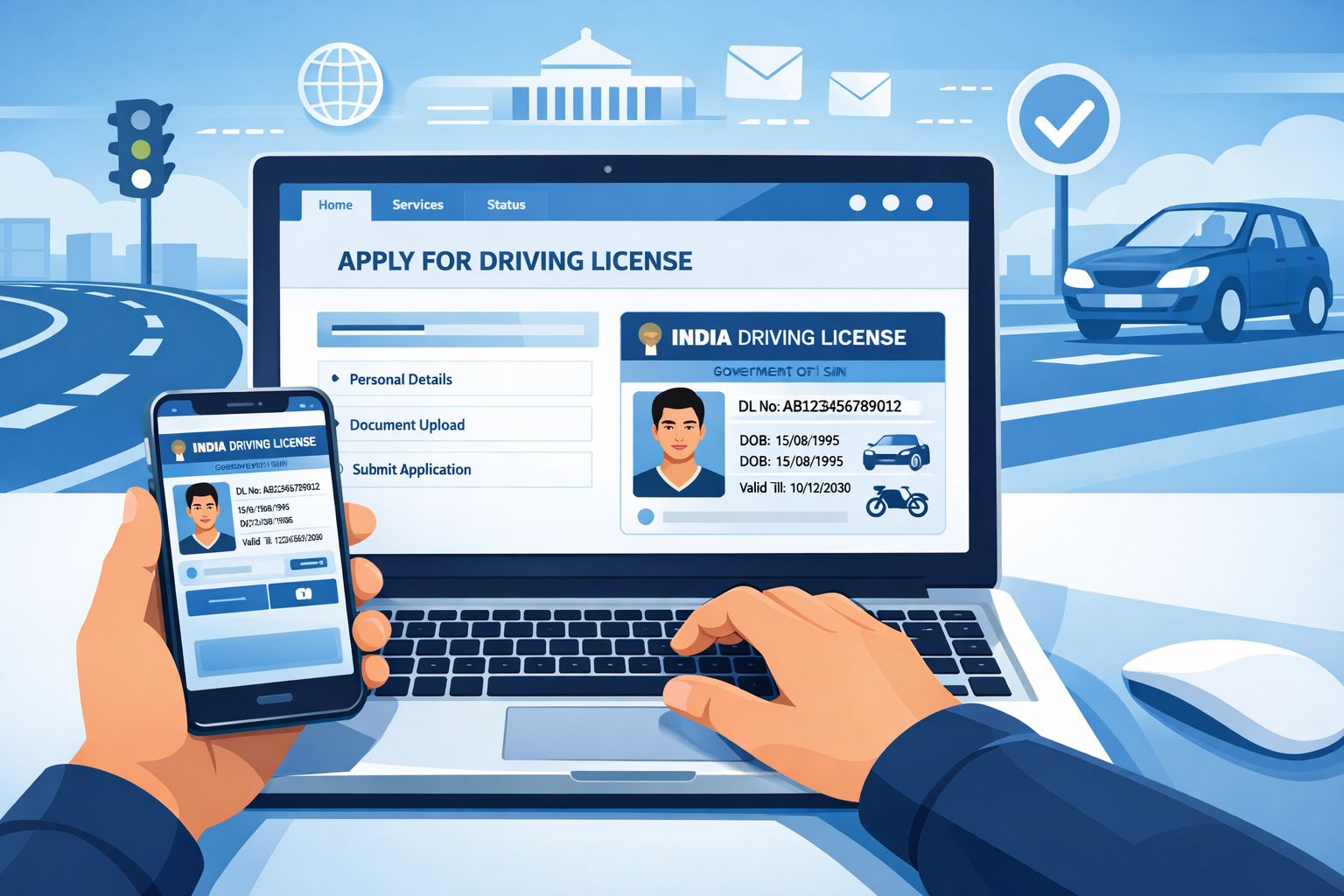
Driving License Online Apply कैसे करें? आज के time में Driving License (DL) सिर्फ गाड़ी चलाने की permission नहीं है, बल्कि एक important legal identity document भी है। India में बिना valid driving license के vehicle चलाना illegal है। Traffic police checking में fine लग सकता है, और serious case में legal action भी हो सकता है। इसलिए हर driver के पास valid DL होना जरूरी है।
Driving License क्यों जरूरी है? Driving License यह proof करता है कि आप legally vehicle drive करने के eligible हैं। DL इसलिए important है क्योंकि:
- Traffic police checking में DL mandatory होता है
- Insurance claim के समय valid DL जरूरी होता है
- Bank KYC और ID proof के रूप में use किया जा सकता है
- Accident case में legal protection देता है
DL सिर्फ card नहीं, आपकी legal safety है।
2026 में क्या नया है? 2026 में DL process और ज्यादा digital और user-friendly हो गया है।
- Parivahan Portal और mParivahan app improve हुए हैं
- DigiLocker में DL legally valid माना जाता है
- Online tracking और SMS updates available हैं
- Manual paperwork काफी कम कर दिया गया है
इस Guide में हम Step-by-Step समझेंगे कि Driving License online Apply कैसे करें, ताकि आप बिना Agent और बिना Confusion के अपना DL आसानी से बनवा सकें।
2. Driving License क्या होता है?
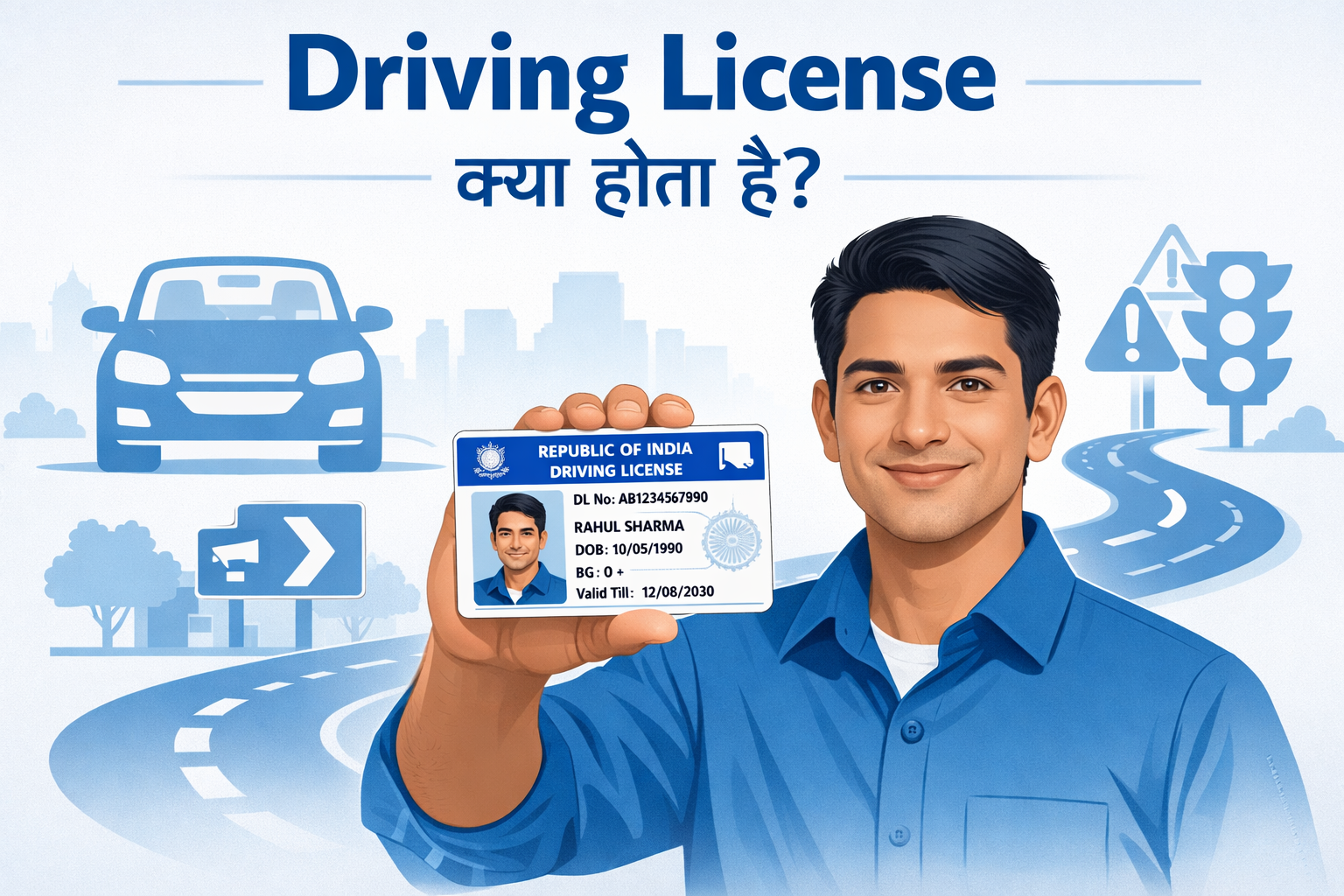
Driving License (DL) एक Official legal Document होता है, जिसे Government के RTO (Regional Transport Office) द्वारा issue किया जाता है। यह Document proof करता है कि आपको traffic rules की Basic Knowledge है और आप safely vehicle drive कर सकते हैं।
India में बिना Valid Driving License के Vehicle चलाना कानूनन अपराध है। अगर police checking में DL नहीं मिलता, तो Heavy fine लग सकता है और legal action भी हो सकता है।
DL का Meaning क्या है? DL यानी Driving License — Government द्वारा दिया गया वह certificate जो किसी व्यक्ति को specific type का vehicle drive करने की legal authority देता है।
Driving License में क्या-क्या Details होती हैं?
Driving License में driver की important details mention होती हैं, ये details police verification, insurance claim और ID proof के काम आती हैं। जैसे:
- Name
- Photo
- Date of Birth
- License Number
- Vehicle Category (किस type का vehicle चलाने की अनुमति है)
- Issue Date और Validity
3. Types of Driving License (India में)
India में Driving License vehicle category के हिसाब से issue किया जाता है। आप जिस vehicle को drive करना चाहते हैं, उसी category का license होना जरूरी है।
Learning License (LL)
Temporary license होता है। Driving सीखने के लिए मिलता है।
Permanent Driving License (DL)
Driving test pass करने के बाद issue होता है। Regular driving के लिए valid होता है।
Two-Wheeler License
Bike, scooter जैसे vehicles के लिए।
Four-Wheeler License
Car, jeep जैसे private vehicles के लिए।
Commercial Driving License
Bus, truck, taxi जैसे commercial vehicles के लिए।
International Driving Permit (IDP)
Foreign countries में legally drive करने के लिए।
3. Learning License vs Driving License (Difference)
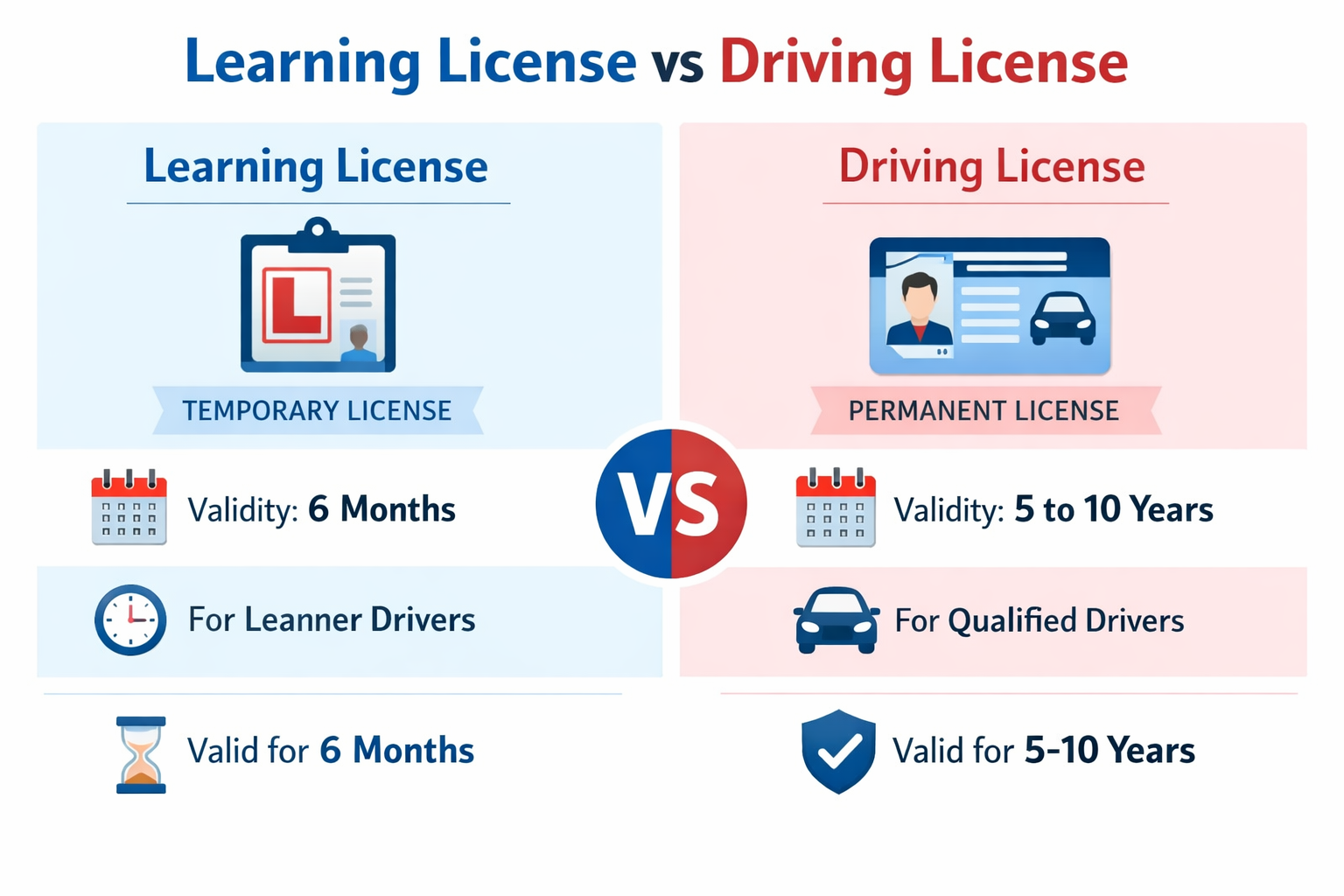
Driving License Process में सबसे पहले Learning License (LL) बनता है और उसके बाद Permanent Driving License (DL) मिलता है। कई लोग Confuse रहते हैं कि दोनों में Exact Difference क्या है और पहले LL क्यों जरूरी होता है। आइए Simple language में समझते हैं
Learning License (LL) क्या होता है? Learning License एक temporary license होता है। यह proof करता है कि आपको Traffic rules की basic knowledge है और आप driving सीख सकते हैं।
- Validity: Usually 6 months
- Purpose: Driving practice करने के लिए
- Condition: Vehicle पर “L” sign लगाना जरूरी होता है
- Test: Basic online traffic rules test pass करना होता है
LL मिलने के बाद आप practice कर सकते हैं, लेकिन experienced driver साथ में होना चाहिए (कुछ cases में rule apply होता है)।
Permanent Driving License (DL) क्या होता है?
Permanent Driving License तब मिलता है जब आप driving test successfully pass कर लेते हैं।
- Validity: कई सालों तक valid रहता है
- Purpose: Regular vehicle drive करने के लिए
- Test: Practical driving test देना पड़ता है
- Legal Status: Full legal authority देता है vehicle drive करने की
DL मिलने के बाद आप officially और legally vehicle चला सकते हैं।
LL vs DL – Simple Comparison
| Feature | Learning License (LL) | Permanent Driving License (DL) |
|---|---|---|
| Type | Temporary | Permanent |
| Validity | 6 months (approx.) | Long-term |
| Driving Allowed | Practice only | Full legal driving |
| Test Type | Theory test | Practical driving test |
| “L” Sign Required | Yes | No |
4. Driving License Apply करने की Eligibility
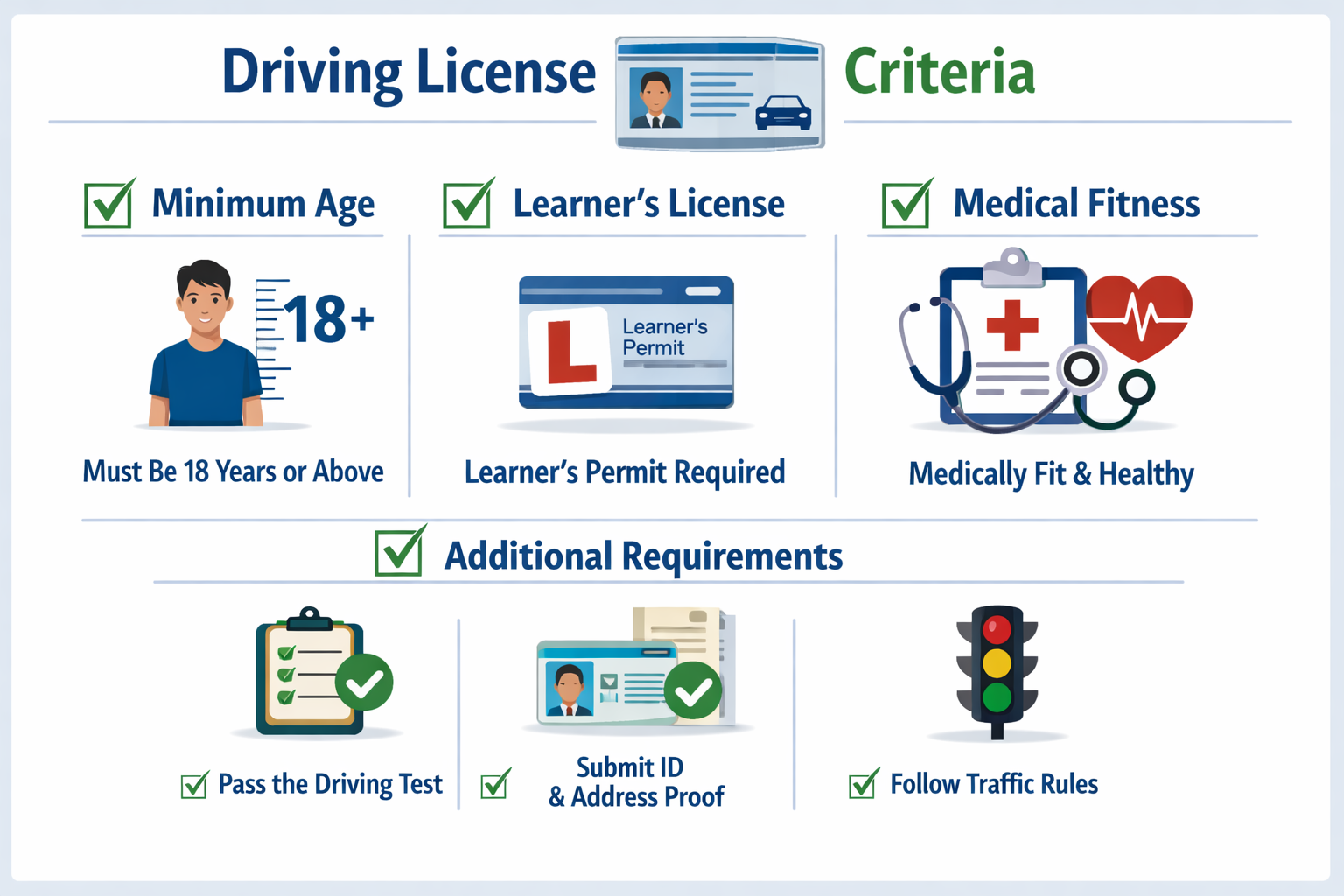
Driving License apply करने से पहले यह जानना जरूरी है कि आप eligibility Criteria पूरा करते हैं या नहीं। RTO ने age, Vehicle type और Basic Requirements clearly Define किए हुए हैं, ताकि road safety maintain रहे। Age Limit (उम्र सीमा) Vehicle Category के हिसाब से age limit अलग-अलग होती है 18 years से कम age में permanent Driving License issue नहीं किया जाता।
- Two-Wheeler (without gear, up to 50cc): Minimum age 16 years
- Two-Wheeler (with gear) & Four-Wheeler (Car): Minimum age 18 years
- Commercial Vehicle (Bus, Truck, Taxi): Minimum age 20–21 years (state rules के अनुसार)
Required Qualification (योग्यता)
Driving License के लिए कोई High education qualification जरूरी नहीं होती। Applicant को बस Traffic Rules और Road signs की Basic Knowledge होनी चाहिए Learning License test pass करना होता है पढ़ा-लिखा होना जरूरी है, लेकिन Degree या Certificate Required नहीं होता।
Vehicle Category Rules
Driving License हमेशा specific vehicle category के लिए issue किया जाता है Bike के लिए bike category Car के लिए LMV (Light Motor Vehicle) Commercial vehicles के लिए separate commercial DLM अगर आप Multiple Vehicles चलाना चाहते हैं, तो आपको Multiple Categories add करवानी पड़ती हैं।
5. Driving License Apply करने से पहले जरूरी Documents
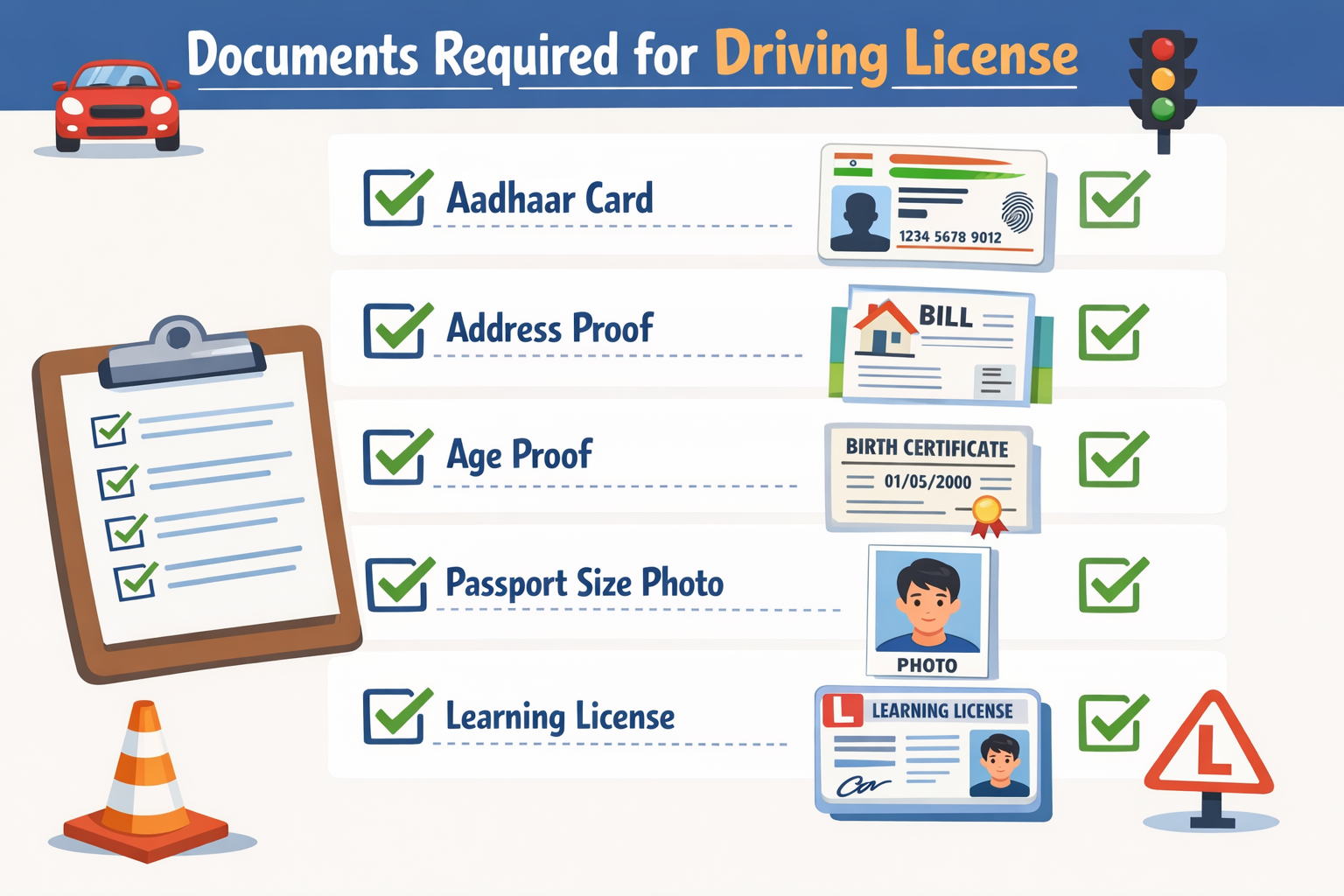
Driving License online apply करने से पहले सभी Required Document ready रखना बहुत जरूरी है, ताकि Application reject या Delay न हो। नीचे important Document को easy language में समझते हैं।
Aadhaar / ID Proof
Applicant की identity verify करने के लिए कोई एक valid ID proof जरूरी होता है। Commonly accepted ID proofs Aadhaar सबसे Preferred Document है क्योंकि Online Verification आसान होता है।
- Aadhaar Card
- Voter ID
- Passport
Address Proof
Address proof से applicant का current residence confirm किया जाता है। Accepted address proofs Address वही होना चाहिए जो application में fill किया गया हो।
- Aadhaar Card
- Electricity / Water Bill
- Passport
- Ration Card
Photo & Signature
Online Application के लिए Passport-size photo (recent) Signature / thumb impression (clear scan) Upload करते समय file Size और format (JPEG/PDF) का ध्यान रखें।
Medical Certificate (Form 1A)
Form 1A Medical Certificate सिर्फ कुछ cases में Required होता है Normal private DL (below 40 years) के लिए usually Form 1A Mandatory नहीं होता।
- Commercial Driving License
- Age 40 years से ऊपर applicants
- Physical fitness verification
6. Learning License Online Apply कैसे करें? (Step-by-Step)
अगर आप पहली बार Driving License बनवा रहे हैं, तो सबसे पहले Learning License (LL) बनाना जरूरी है।
2026 में LL apply करना काफी आसान हो गया है और ज़्यादातर process online हो जाता है। नीचे simple step-by-step तरीका समझिए 👇
Step 1: Official Website Open करें
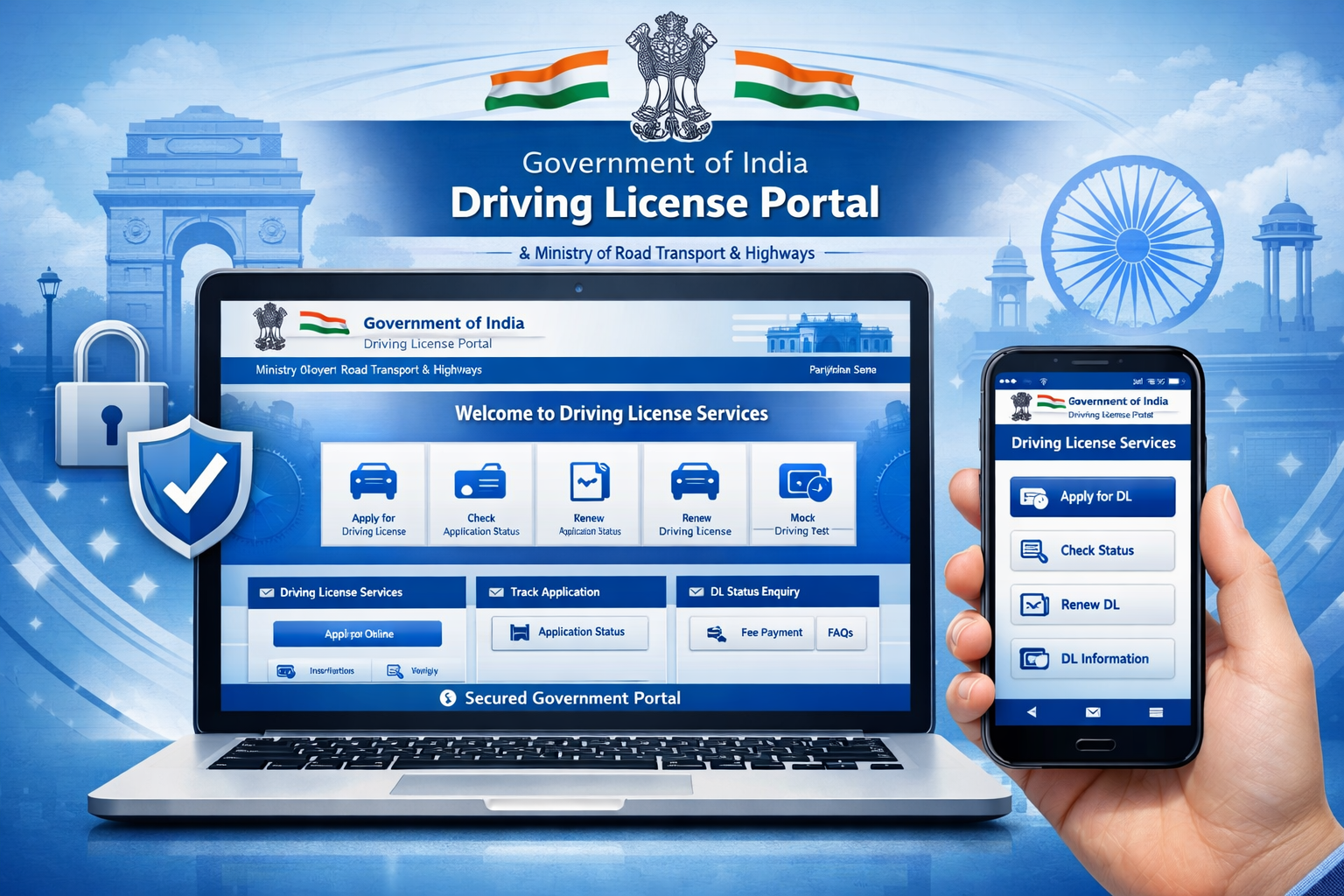
सबसे पहले browser में Parivahan.gov.in website open करें। Homepage पर “Driving License Services” option select करें।
Step 2: State Select करें
अपना state select करें। State select करते ही आपको RTO related services दिखाई देंगी।
Step 3: Apply for Learning License पर Click करें
“Apply for Learning License” option चुनें। अब instructions ध्यान से पढ़ें और continue करें।
Step 4: Application Form Fill करें
अब आपको fill करनी होगी। Details carefully भरें, spelling mistake न करें।
- Name
- Date of Birth
- Address
- Aadhaar details (अगर applicable हो)
- Vehicle category
Step 5: Documents Upload करें
Required documents upload करें कुछ states में Aadhaar authentication से process आसान हो जाता है।
- Age proof
- Address proof
- Passport size photo
- Signature
Step 6: Online Fee Payment करें
Application complete होने के बाद Learning License fee online pay करें। Payment successful होने पर receipt generate होती है।
Step 7: LL Test Slot Book करें
Fee payment के बाद Learning License test slot book करें। Test online या RTO में हो सकता है (state rules पर depend करता है)।
Step 8: Online LL Test दें
Test traffic rules और road signs पर based होता है। Basic multiple-choice questions पूछे जाते हैं। Pass होने पर Learning License approve हो जाता है।
Learning License Download कैसे करें?
Test pass होने के बाद से LL download किया जा सकता है।
- DigiLocker
- mParivahan app
- Parivahan portal
8. Driving License Online Apply कैसे करें? (After LL)
अगर आपके पास valid Learning License (LL) है, तो अब आप Permanent Driving License (DL) के लिए apply कर सकते हैं। 2026 में यह process काफी simple और online हो गया है।
Step-by-Step Process
1. Browser में Parivahan.gov.in website open करें
2. “Driving License Services” section में जाएँ
3. “Apply for Driving License” option select करें
4. अपना Learning License number और Date of Birth enter करें
5. Personal details verify करें
6. Required documents upload करें
7. Online fee payment करें
8. Driving Test appointment book करें
Fee payment के बाद आपको test slot select करने का option मिलता है। Test clear होने के बाद DL approve हो जाता है और कुछ दिनों में digital version DigiLocker या mParivahan app में दिखने लगता है।
Driving Test Slot Booking कैसे करें?
Driving test slot booking DL process का important step है।
Slot booking process:
- Parivahan.gov.in open करें
- Driving License Services में जाएँ
- “Slot Booking for Driving Test” select करें
- Application Number या LL Number enter करें
- Available RTO और dates देखें
- Convenient date और time select करें
- Booking confirm करें
Booking confirm होने के बाद appointment slip generate होती है। इसे download या print जरूर करें। अगर किसी reason से selected date पर test नहीं दे सकते, तो portal से slot reschedule भी कर सकते हैं।
Driving License Download कैसे करें?
Driving test pass होने के बाद DL approve हो जाता है।
आप DL को:
- DigiLocker से
- mParivahan app से
Download कर सकते हैं। Digital DL legally valid होता है और traffic checking में accept किया जाता है।
Physical card post से आने में थोड़ा time लग सकता है, लेकिन digital version तुरंत use किया जा सकता है।
FAQs
1. Driving License online apply करने से पहले क्या जरूरी है?
Permanent Driving License के लिए आपके पास valid Learning License (LL) होना जरूरी है।
बिना LL के सीधे DL apply नहीं किया जा सकता।,LL पहले बनता है, फिर driving test pass करने के बाद permanent DL मिलता है।
2. Driving License online Apply करने की official website कौन-सी है?
Driving License apply करने की official government website है: Parivahan.gov.in इसी portal से form fill, fee payment और test slot booking होती है। किसी agent या fake website से apply न करें।
3. Online apply करने के बाद driving test देना जरूरी है?
हाँ, permanent Driving License के लिए practical driving test mandatory होता है। बिना test pass किए DL नहीं मिलता।
- Test RTO में होता है
- Fixed date और time slot दिया जाता है
- Test clear करने के बाद ही DL approve होता है
4. Driving License online apply करने में कितना time लगता है?
Application submit करने और test clear करने के बाद Driving License usually 7–15 days के अंदर approve हो जाता है। Approval के बाद DL:
- DigiLocker में show होने लगता है
- mParivahan app में available होता है
Physical card बाद में by post भी मिल सकता है।
5. क्या Driving License Mobile में दिखाना legally valid है?
हाँ, DigiLocker या mParivahan app में दिखाया गया DL legally valid होता है। Traffic police verification के दौरान digital DL accept किया जाता है। Hard copy carry करना जरूरी नहीं है (अगर digital version available है)।
Conclusion
Driving License बनवाना अब पहले जैसा complicated process नहीं रहा। Online system की वजह से आप घर बैठे application fill कर सकते हैं, fee payment कर सकते हैं और test slot book कर सकते हैं। अगर आप step-by-step process follow करते हैं —पहले Learning License के लिए apply करें, test clear करें, फिर driving test देकर Permanent Driving License बनवाएँ — तो पूरा process smooth हो जाता है।
सबसे जरूरी बात:
- Documents सही रखें
- Details carefully fill करें
- Official Parivahan portal ही use करें
- Test date miss न करें
2026 में DL process काफी digital और transparent हो चुका है। DigiLocker और mParivahan जैसे options ने verification आसान बना दिया है।