Introduction
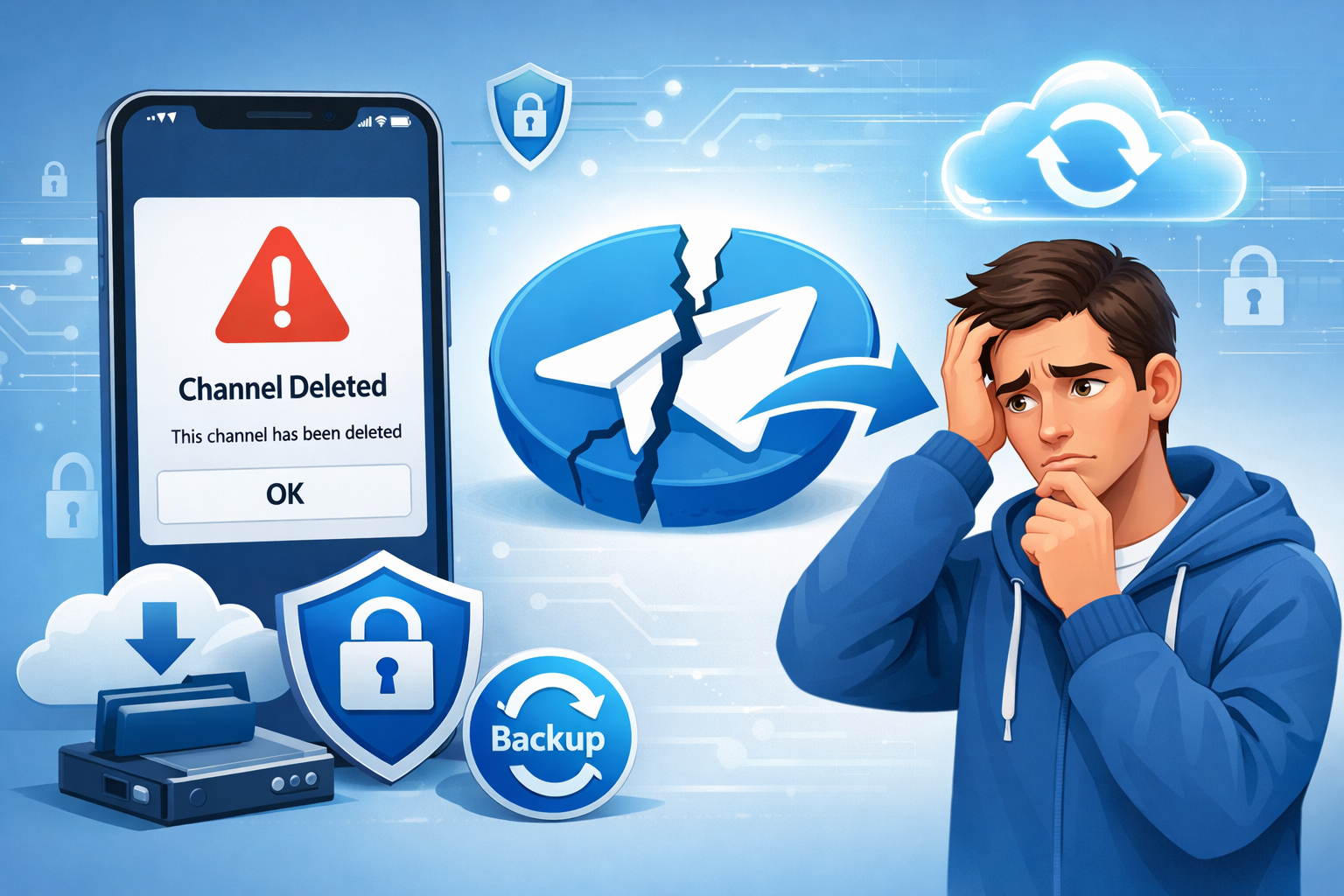
आज Telegram सिर्फ chatting app नहीं रहा— यह business, education, news और creators के लिए primary platform बन चुका है। ऐसे में अगर आपका Telegram channel अचानक delete हो जाए, तो यह सिर्फ content loss नहीं होता— audience, trust और months की मेहनत भी एक झटके में चली जाती है। कई users इसी confusion में रहते हैं कि “शायद channel वापस आ जाएगा” लेकिन reality हर case में अलग होती है। इस guide में हम honest truth, real recovery chances और safe steps detail में समझेंगे
Telegram Channel Deleted कैसे Recover करें आज के Time में Telegram Channel Delete होना एक serious issue बन सकता है, खासकर जब Channel पर Month या Year की मेहनत, Content और Audience जुड़ी हो। कई लोग Telegram channel को business promotion, news updates, education या community Building के लिए Use करते हैं। ऐसे में Channel Delete हो जाना सिर्फ data loss नहीं, बल्कि Trust, reach और growth का भी नुकसान होता है।
गलती से Delete vs Permanently delete – क्या फर्क है? कई बार Channel Galti se delete हो जाता है—Wrong option पर tap करने से या admin mistake की वजह से। ऐसे Cases में Users को लगता है कि शायद Channel वापस मिल सकता है। लेकिन permanently delete होने का मतलब है कि Telegram के servers से channel पूरी तरह remove हो चुका है, जहाँ recovery के chances बहुत limited हो जाते हैं। इसलिए यह समझना जरूरी है कि आपका Channel temporarily हटाया गया है या Permanently delete हुआ है।
इस Blog में क्या-क्या सीखेंगे? इस Complete Guide में आप जानेंगे Telegram Channel Delete क्यों होता है Channel Recover करना Possible है या नहीं Telegram Support से Recovery Request कैसे भेजें Fake Recovery Services से कैसे बचें Future में channel delete होने से कैसे protect करें
2. Telegram Channel Deleted का मतलब क्या है?
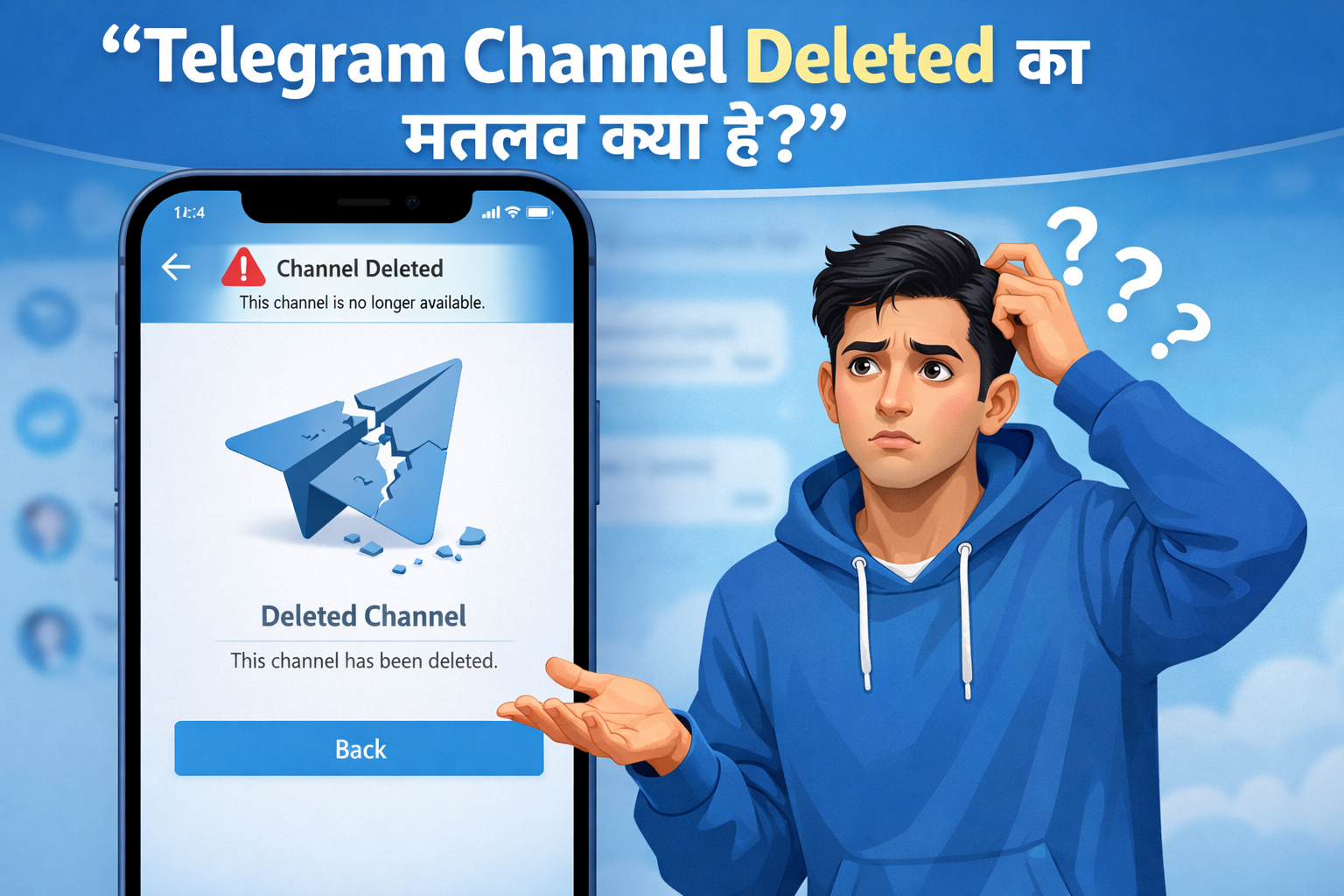
Telegram Channel deleted होने का मतलब है कि वह Channel अब Telegram Platform पर publicly या Privately Accessible नहीं है। Channel Delete होने के बाद उसका username, content, subscribers और posts users को दिखाई नहीं देते। बहुत से लोग इसे Temporary issue समझ लेते हैं, लेकिन Actual meaning समझना बेहद जरूरी है।
Telegram में Channel delete होना दो तरह से हो सकता है—owner/admin द्वारा manually delete किया जाना, या Telegram द्वारा policy violation के कारण remove किया जाना। Owner अगर खुद channel delete करता है, तो यह Action usually permanent होता है और Telegram उसे easily restore नहीं करता। वहीं अगर Telegram ने किसी rule violation (spam, copyright, illegal content) की वजह से channel हटाया है, तो Recovery chances और भी limited हो जाते हैं।
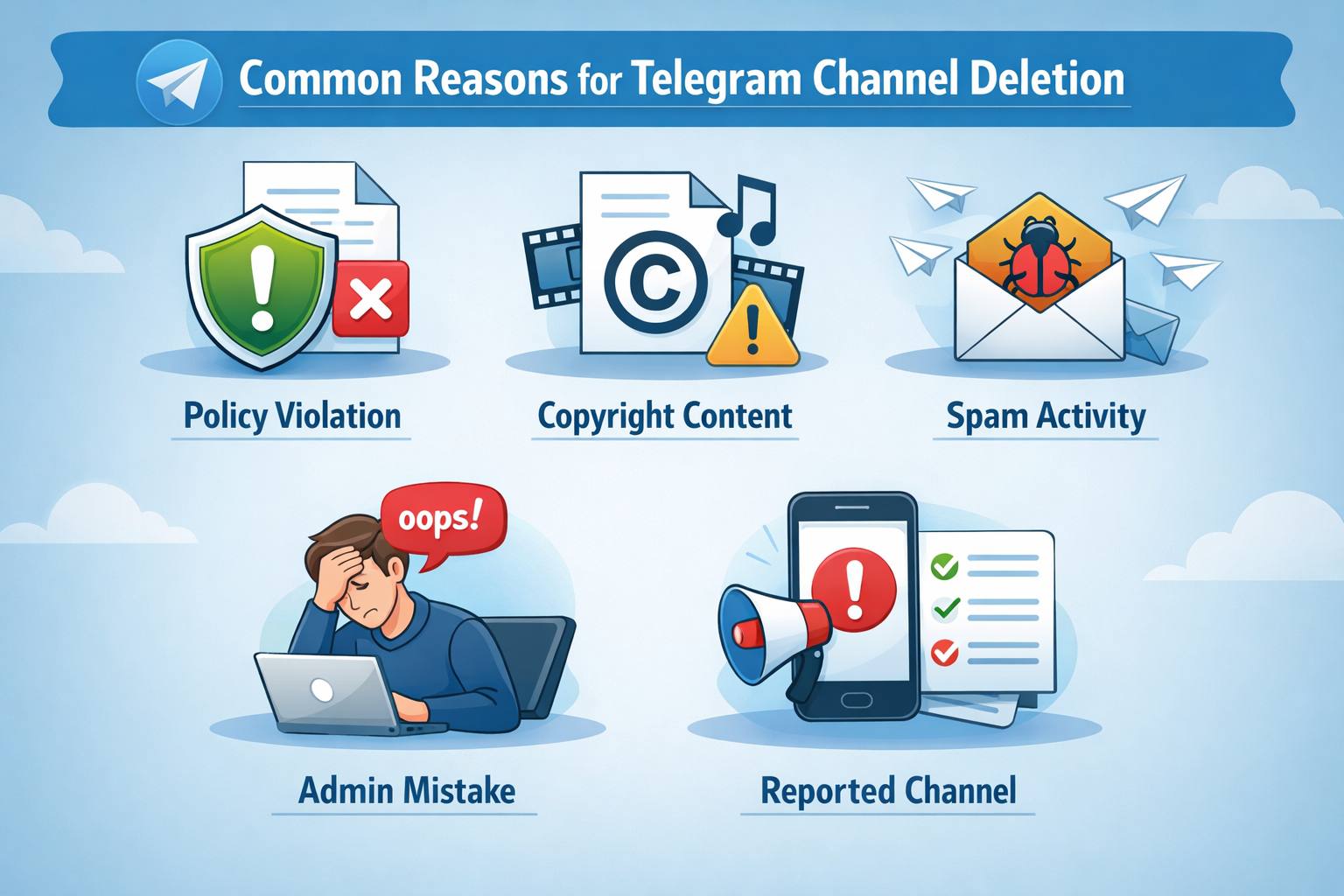
3. Telegram Channel Delete होने के Common Reasons
Telegram Channel Delete होने के पीछे कई Practical Reasons हो सकते हैं। सबसे common reason होता है owner या Admin की mistake—जैसे गलत Option पर tap कर देना या बिना सोचे channel delete कर देना। कई बार admins यह समझ नहीं पाते कि Delete करने के बाद channel वापस लाना almost impossible हो सकता है।
दूसरा बड़ा Reason है Telegram policy violation। अगर channel पर spam content, misleading promotions, illegal material या Telegram rules के खिलाफ posts share की जाती हैं, तो Telegram खुद Channel remove कर सकता है। इसके अलावा Copyright claims या Multiple spam reports भी channel Deletion का कारण बनते हैं, खासकर जब बार-बार violations report हों।
कुछ cases में inactive Channel issue भी देखने को मिलता है, जहाँ लंबे समय तक Activity न होने या suspicious behavior के कारण Channel restricted या Removed हो सकता है।
4. Temporary vs Permanent Delete – Difference
Telegram में Channel delete होना हमेशा same meaning नहीं रखता। Temporary delete का मतलब है कि Channel कुछ समय के लिए inaccessible हो जाता है—जैसे Restriction, Suspension या Technical issue की वजह से। ऐसे cases में Channel completely Erase नहीं होता और Recovery का Chance थोड़ा better रहता है।
वहीं Permanent delete का मतलब है कि Channel Telegram Servers से पूरी तरह remove हो चुका है। इसमें Channel का username, Post और subscriber Data Permanently lost हो जाते हैं और recovery लगभग impossible होती है। खासकर जब Owner खुद Channel Delete करता है या Telegram serious policy Violation की वजह से Remove करता है।
Simple reality check:
Temporary delete = recovery possible (limited)
Permanent delete = recovery almost not possible
इसीलिए आगे के steps लेने से पहले यह identify करना बहुत जरूरी है कि आपका Channel temporarily Blocked है या Permanently deleted।
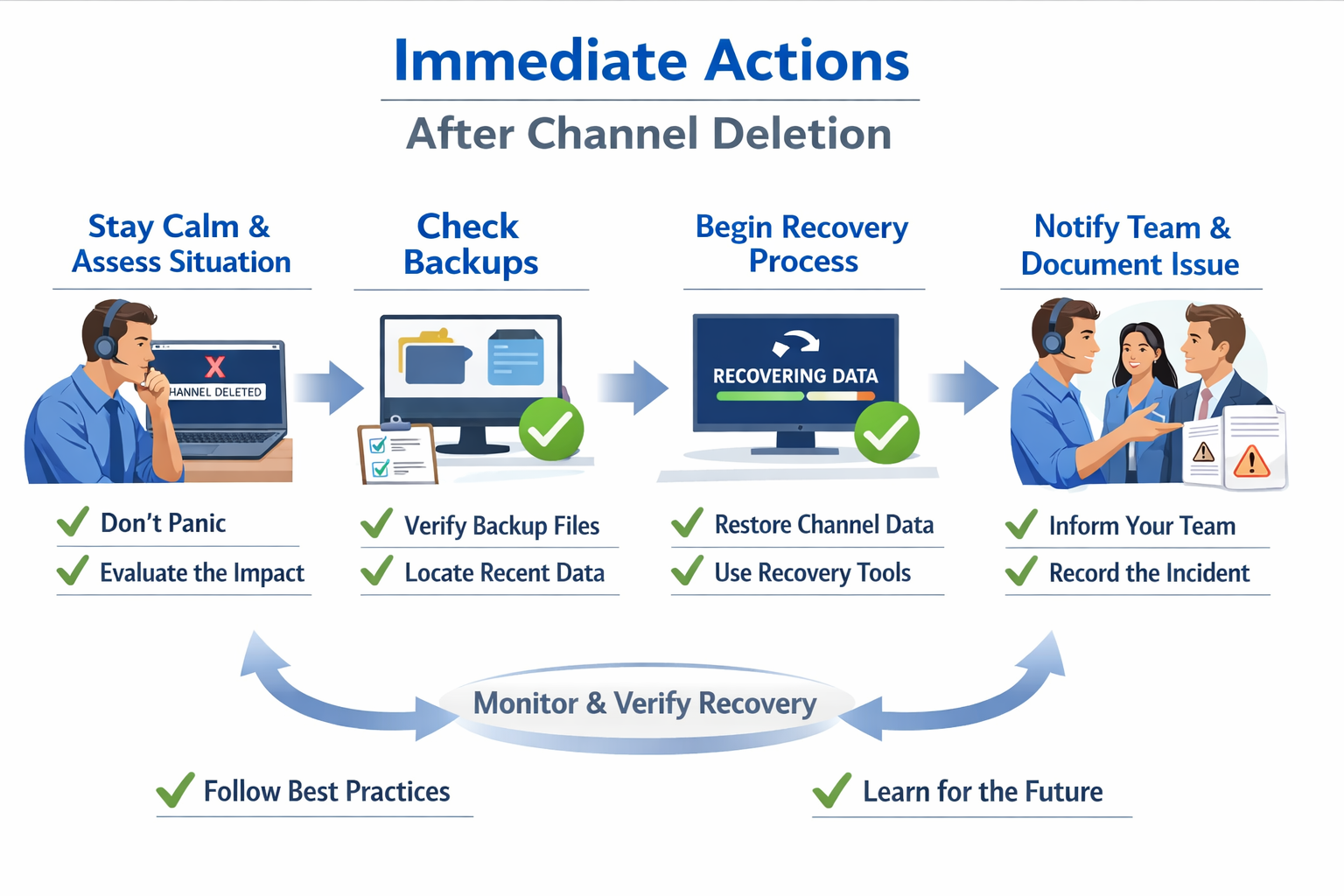
5. Channel Deleted होने पर सबसे पहले क्या करें?
अगर आपको पता चले कि आपका Telegram channel delete हो गया है, तो सबसे जरूरी है panic न करना। Panic में लोग fake recovery services, paid tools या गलत links पर भरोसा कर लेते हैं, जिससे नुकसान और बढ़ जाता है। Calm रहकर पहले situation को clearly समझना जरूरी है कि channel गलती से delete हुआ है या Telegram ने action लिया है।
सबसे पहले अपने Telegram app में check करें कि channel कहीं archive, search या linked chats में तो visible नहीं है। अपने दूसरे admin accounts से भी verify करें कि channel सच में deleted है या सिर्फ access issue है।
Telegram Channel Recover Possible है या नहीं?
यह सबसे important सवाल होता है—क्या Telegram channel recover हो सकता है? Reality यह है कि Telegram की official policy के अनुसार, manually delete किए गए channels को recover करना बहुत मुश्किल होता है। Telegram generally permanently deleted channels को restore नहीं करता।
हालाँकि अगर channel temporarily restricted, suspended या mistakenly removed हुआ है, तो limited cases में recovery possible हो सकती है। Recovery का chance इस बात पर depend करता है कि deletion को कितना time हो गया है और owner का account status clean है या नहीं।
Time fast action = better chance.
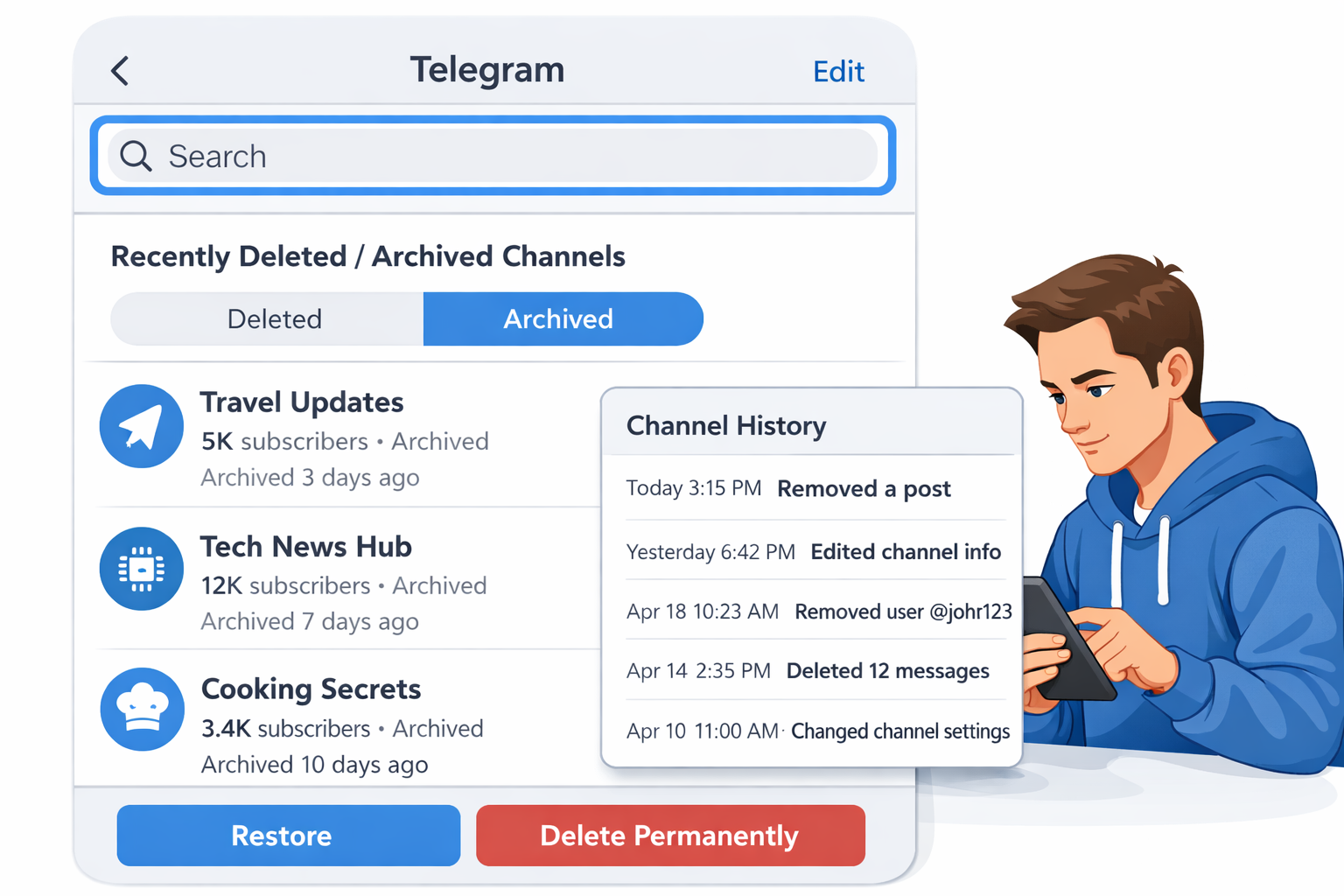
6. Recently Deleted Channel कैसे Check करें?
Telegram में recently deleted channel check करने का कोई direct “Recycle Bin” option नहीं होता, लेकिन कुछ indirect checks मदद कर सकते हैं। सबसे पहले Telegram app में Search bar में अपने channel का exact name या username type करें—कई बार recent deletion के बाद channel कुछ समय तक search results में दिखाई दे सकता है।
इसके अलावा, अगर आपका channel किसी linked group से जुड़ा था, तो group settings या chat history check करें। कभी-कभी channel posts का reference या link वहाँ मौजूद रहता है, जिससे यह confirm हो जाता है कि channel recently active था। अगर admin access अभी भी दिख रहा है, तो recovery chances better होते हैं। Deletion के तुरंत बाद check करें—time delay से chances कम हो जाते हैं।
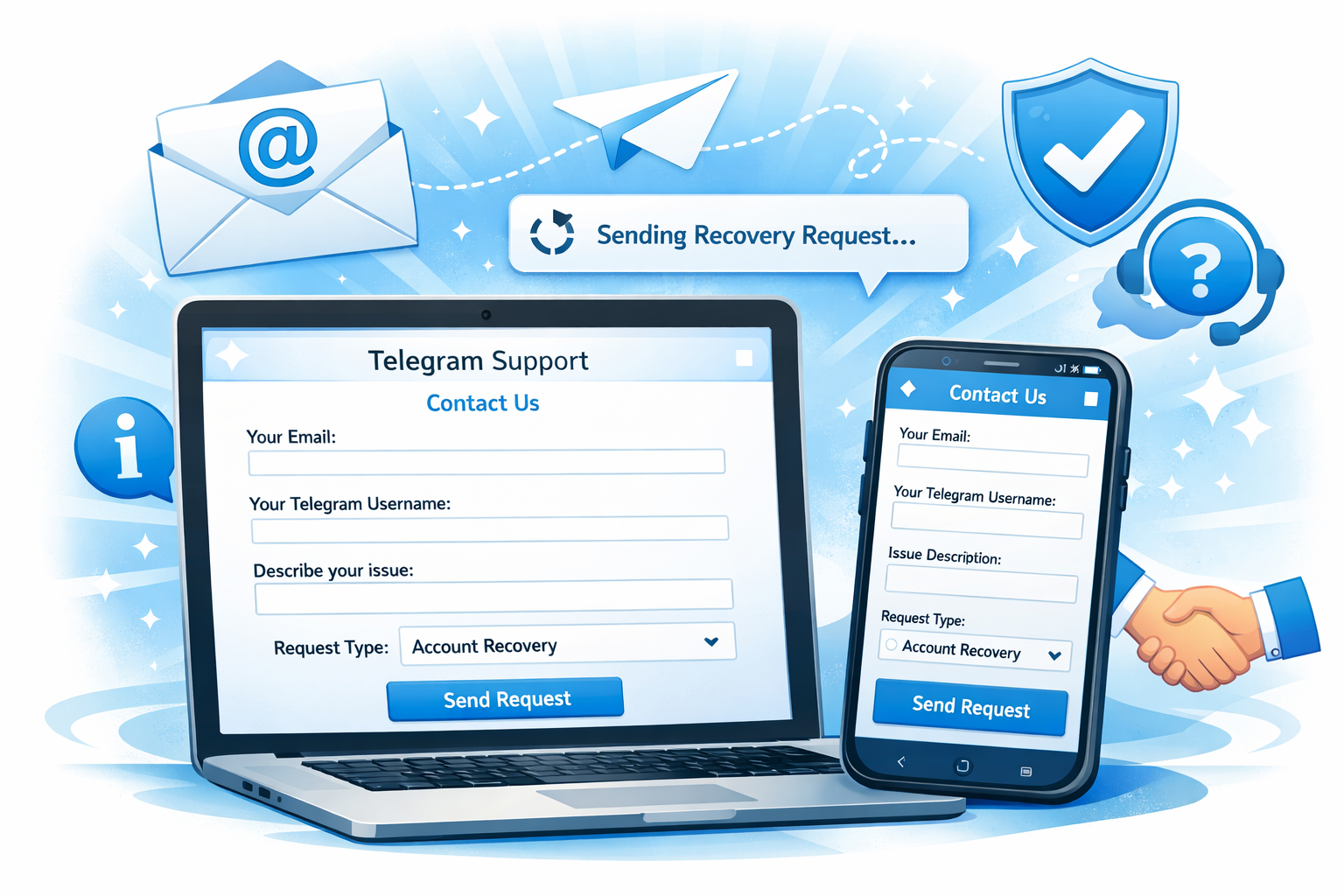
7. Telegram Support से Channel Recovery Request कैसे भेजें?
Telegram channel recover कराने के लिए सबसे reliable तरीका है Telegram Support को official request भेजना। इसके लिए Telegram app खोलें और Settings → Help → Ask a Question option पर जाएँ। यहाँ आपको support chat का option मिलेगा, जहाँ आप अपनी problem clearly explain कर सकते हैं।
Request भेजते समय details सही और complete देना बहुत जरूरी है। Channel का exact name, username/link, deletion date और यह mention करें कि channel गलती से delete हुआ या किसी technical issue की वजह से remove हुआ। अगर channel policy-safe था, तो यह point जरूर highlight करें।
Support को spam न करें और multiple requests बार-बार न भेजें। Proper explanation और patience से reply मिलने की chances ज्यादा होती हैं। Tip: Recovery request जितनी जल्दी भेजेंगे, chances उतने बेहतर होंगे।
Email से Telegram Channel Recovery Request कैसे करें?
In-app support के अलावा आप Telegram को official support email के जरिए भी recovery request भेज सकते हैं। Email में कभी भी emotional या aggressive language use न करें। Polite और factual tone में explain करें कि channel कैसे और कब delete हुआ।
Mail में ये details जरूर include करें: channel name, username/link, आपका registered phone number और short explanation। Reply आने में time लग सकता है, इसलिए patience रखें और fake recovery emails या paid services से दूर रहें। Official support slow हो सकता है, लेकिन safe होता है.
8. Telegram Channel Owner Verification कैसे करें?
Telegram में channel owner verification का मतलब है यह prove करना कि channel आप ही ने बनाया है और आप ही उसका legitimate owner हैं—खासकर तब जब recovery या support request भेजनी हो। Verification के लिए Telegram आमतौर पर original channel username/link, creation details, admin access proof और registered phone number / email जैसी basic जानकारी check करता है।
Best practice यह है कि channel बनाते समय Two-Step Verification (2FA) ON रखें और recovery email add करें। इससे future में ownership prove करना आसान हो जाता है। अगर आप support से contact करते हैं, तो clear details + consistent identity (same number/email) देना verification chances बढ़ा देता है।
Copyright / Policy Violation में Channel Recover होगा?
अगर Telegram channel copyright infringement या policy violation की वजह से delete हुआ है, तो recovery chances limited होते हैं। ऐसे cases में Telegram strict रहता है, क्योंकि policies platform safety के लिए होती हैं। Minor या accidental violation में कभी-कभी review के बाद partial relief मिल सकता है, लेकिन serious या repeated violations में recovery मुश्किल हो जाती है।
Recovery तब ही possible हो सकती है जब आप clearly prove करें कि violation mistake थी, intentional नहीं, और future में compliance का assurance दें। फिर भी, final decision Telegram policies और case severity पर depend करता है।
Bottom line: Policy-safe content = best protection. Violation के बाद recovery guaranteed नहीं होती, prevention ही safest strategy है।
9. Telegram Channel Backup क्यों जरूरी है?
Telegram channel backup इसलिए जरूरी होता है ताकि content loss का risk कम किया जा सके। अगर channel गलती से delete हो जाए, hack हो जाए या policy issue की वजह से suspend हो जाए, तो बिना backup के आपका सारा मेहनत का content हमेशा के लिए खो सकता है। Posts, media files, captions और important messages का backup होने से आप नया channel शुरू करते समय आसानी से content reuse या improve कर सकते हैं।
Backup रखने से सिर्फ content ही नहीं, बल्कि channel consistency और audience trust भी maintain रहता है। Especially business, education या news channels के लिए backup एक safety net की तरह काम करता है। Backup = future restart का biggest support.
Deleted Channel Name Reuse कैसे करें?
Deleted Telegram channel ka name reuse करना थोड़ा tricky होता है। अगर channel temporarily delete हुआ है, तो name अक्सर reserved रहता है और तुरंत reuse नहीं हो पाता। Permanent deletion के case में भी Telegram कुछ समय तक name को hold कर सकता है, ताकि misuse या impersonation न हो।
Generally, कुछ days या weeks बाद ही channel name reuse possible होता है—लेकिन यह guarantee नहीं होती। Best practice यह है कि नया channel बनाते समय slight variation या underscore/number add करके unique username choose करें। Name से ज्यादा important content और audience होती है—name flexible रखें, growth stable रहेगी.
10. Fake Recovery Services से कैसे बचें?
Telegram channel या account delete होने के बाद कई लोग panic में आकर fake recovery services के झांसे में फँस जाते हैं। ये services अक्सर दावा करती हैं कि वे “100% recovery guarantee” देती हैं, जो reality में possible नहीं होता। याद रखें, Telegram सिर्फ official support के through ही recovery consider करता है—कोई third-party tool या agency यह काम legally नहीं कर सकती।
Fake services से बचने के लिए कुछ clear signs पहचानना जरूरी है। अगर कोई service पैसे माँगती है, login details या OTP share करने को कहती है, या WhatsApp/Telegram DM में recovery promise करती है—तो यह clear scam है।
Safe रहने के लिए Sirf official Telegram support use करें Kisi ko भी OTP, password या access न दें “Guaranteed recovery” जैसे claims ignore करें Unknown links और apps से दूर रहें Recovery से ज्यादा जरूरी है security—गलत service से जुड़कर नुकसान double हो सकता है।
Telegram Channel Security Tips (2026)
2026 में Telegram channels की security पहले से ज्यादा important हो गई है, क्योंकि hacking, fake reports और admin mistakes के cases बढ़ रहे हैं। सबसे पहला step है strong admin security—channel owner और admins के लिए Two-Step Verification (2FA) enable करें और recovery email जरूर add रखें। इससे unauthorized access का risk काफी कम हो जाता है।
Admin rights carefully manage करें। Unnecessary admins add न करें और trusted लोगों को ही permission दें। Channel settings और privacy options regularly check करते रहें, ताकि कोई unwanted change unnoticed न रहे। इसके अलावा Telegram की official policy guidelines follow करना भी जरूरी है, ताकि channel fake reports या policy violation की वजह से risk में न आए।
11. Telegram Group vs Channel Recovery (Difference)
Telegram group aur channel recovery ka process aur possibility dono अलग होती हैं। Telegram groups usually interaction-based hote hain aur agar group delete ho jaye, to recovery chances kaafi limited hote hain—especially jab group permanently delete ho चुका ho. Group recovery tab possible hoti hai jab deletion temporary ho ya admin access अभी भी active ho।
Telegram channels comparatively one-way broadcast platforms hote hain aur agar channel recent past me delete hua ho, to Telegram Support ke through recovery request ka option mil sakta hai. Channel recovery ka chance tab ज्यादा hota hai jab delete hone ka reason policy violation nahi, balki admin mistake ya technical issue ho।
Simple Difference समझें:
- Group: Recovery chances low
- Channel: Recovery chances slightly better (if recent & policy-safe)
Common Myths (Channel Recovery)
Telegram channel recovery ko लेकर कई myths circulate होते हैं, जो users ko confuse कर देते हैं। सबसे common myth यह है कि हर deleted channel recover ho सकता है, जबकि reality में permanently deleted channels अक्सर वापस नहीं मिलते।
एक और myth है कि third-party apps या paid services channel recover कर सकती हैं—यह गलत और risky है। Telegram सिर्फ official support के through ही recovery consider करता है। कुछ लोग मानते हैं कि ज्यादा emails भेजने से recovery fast हो जाती है, लेकिन actually इससे support delay भी हो सकता है।
12. Best Alternatives अगर Channel Recover न हो
अगर सभी कोशिशों के बाद भी Telegram channel recover नहीं हो पाता, तो निराश होने की जरूरत नहीं है। कई creators इसी situation से दोबारा strong comeback करते हैं। सबसे पहला और practical option है नया channel create करना, लेकिन इस बार channel name, description और rules को पहले से clear रखें ताकि future में कोई policy issue न आए।
Audience को वापस connect करने के लिए दूसरे platforms का use करें। अगर आपके पास Telegram group, YouTube channel, Instagram या website है, तो वहाँ नए channel का announcement करें और धीरे-धीरे subscribers को migrate करें। Old content का backup हो तो उसे improve करके re-upload करें—लेकिन exact copy से बचें।
Alternative smart steps:
- Channel ke niche ko thoda refine करें
- Content quality और consistency improve करें
- Admin permissions carefully manage करें
- Policy guidelines regularly check करें
FAQs
1. क्या Deleted Telegram Channel Recover हो सकता है?
अगर Channel Permanently Delete हो चुका है, तो recover होना मुश्किल होता है। Temporary या recent deletion में recovery possible हो सकती है।
2. गलती से Delete हुए Channel को वापस पा सकते हैं?
हाँ, अगर Deletion Recent है और Channel policy violation में नहीं गया है, तो Telegram Support से request करने पर Chance रहता है।
3. Telegram Support से recovery request कैसे भेजें?
Telegram app के Help → Ask a Question Option या Official Support email से Channel detail भेजनी होती हैं।
4. Channel Recovery में कितना Time लगता है?
Usually Few days से 1–2 weeks लग सकते हैं, depending on case review और channel status।
5. Future में Channel Delete होने से कैसे बचें?
Admin rights Carefully use करें, policies Follow करें और important channels का backup रखें।
Conclusion
Telegram channel delete होना stressful जरूर होता है, लेकिन हर case में इसका मतलब permanent loss नहीं होता। अगर channel recent या temporary reasons से delete हुआ है, तो Telegram Support से timely request भेजकर recovery की possibility रहती है। सबसे जरूरी बात है panic न करना, सही details collect करना और official channels के through hi follow-up करना।
Future में ऐसी situation से बचने के लिए admin rights carefully handle करें, Telegram policies follow करें और important content का backup रखना आदत बना लें। अगर आपका Telegram channel गलती से delete हो गया है, तो आज ही Telegram Support से contact करें और recovery request submit करें—delay करने से chances कम हो सकते हैं।