Introduction (परिचय)
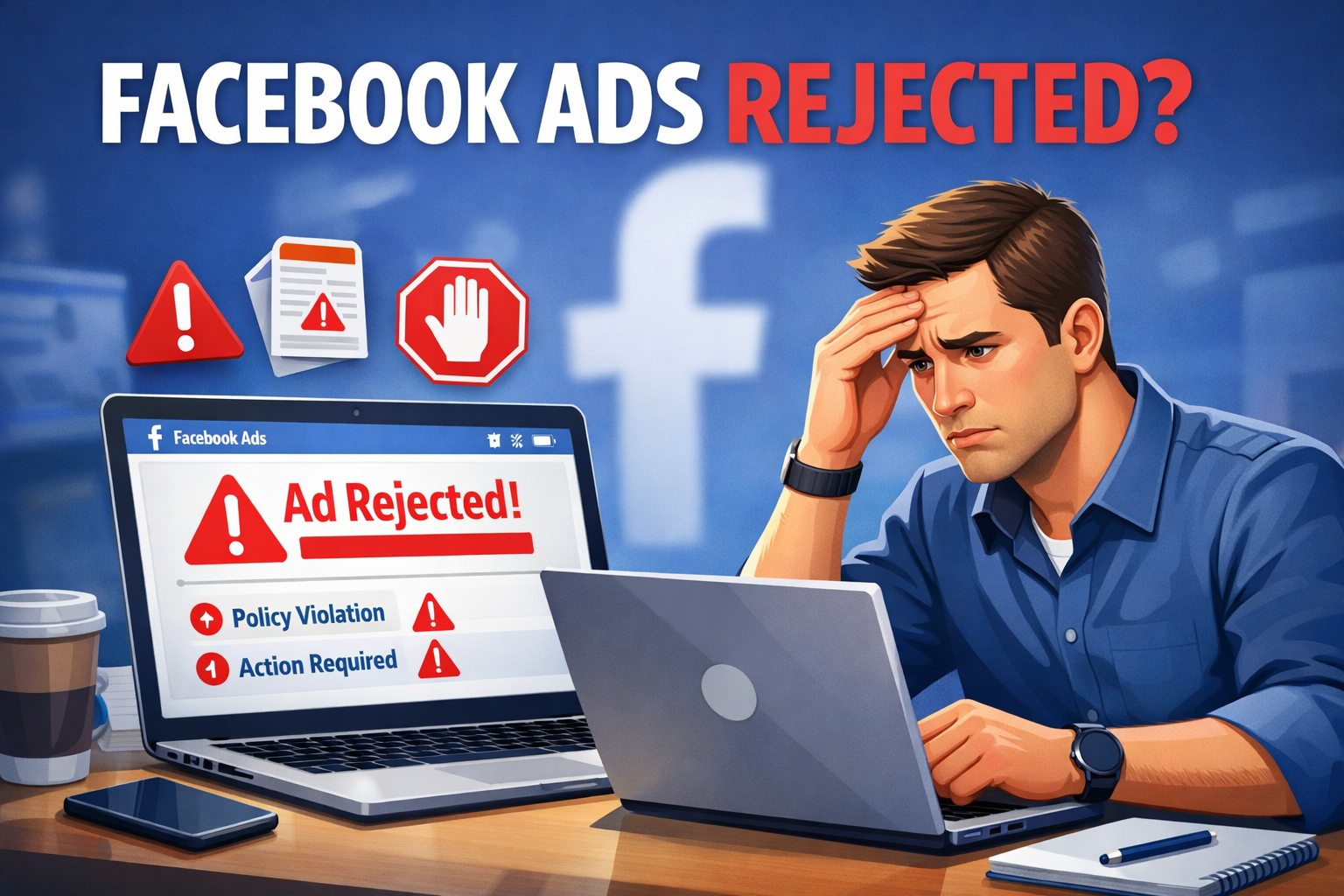
Facebook Ads Rejected क्यों होते हैं आज के Time में Facebook Ads (Meta Ads) online business, affiliate marketing और lead generation के लिए एक powerful tool है। लेकिन एक problem almost हर new advertiser face करता है — Ad Reject / Disapproved होना। कई बार ad launch से पहले ही reject हो जाता है, और कभी-कभी reason clear नहीं दिखता, जिससे beginners confuse हो जाते हैं और ads run करना ही छोड़ देते हैं।
असल में Meta की ad policies strict होती हैं, क्योंकि platform user safety और trust को priority देता है। अगर आपकी ad copy, image, landing page, या targeting किसी policy के against लगती है (या system को suspicious लगती है), तो ad reject हो सकता है। ये issue खासकर तब ज्यादा आता है जब आप over-promising words use करते हैं, landing page पर mismatch होता है, या niche sensitive हो (health/finance/affiliate).
New advertisers अक्सर इसलिए फँसते हैं क्योंकि वे policies को properly नहीं पढ़ते, outdated YouTube/Telegram tricks follow करते हैं, या “Guaranteed Results” जैसे risky claims लिख देते हैं। Meta का automated review system छोटी mistake भी पकड़ लेता है, इसलिए compliance basics समझना जरूरी है।
इस Guide में आप सीखेंगे (2026 updated):
- Facebook Ads reject क्यों होते हैं (real reasons)
- Rejected vs Disapproved में difference
- Temporary vs permanent rejection का मतलब
- Policy-safe ad copy कैसे लिखें
- Approval Chance कैसे बढ़ाएँ + Future में Rejection कैसे avoid करें
यह Article खास तौर पर Beginners और affiliate Marketer के लिए लिखा गया है, ताकि आप बिना panic किए सही तरीके से ads approve करा सकें।
2. Facebook Ads Rejected का मतलब क्या होता है?
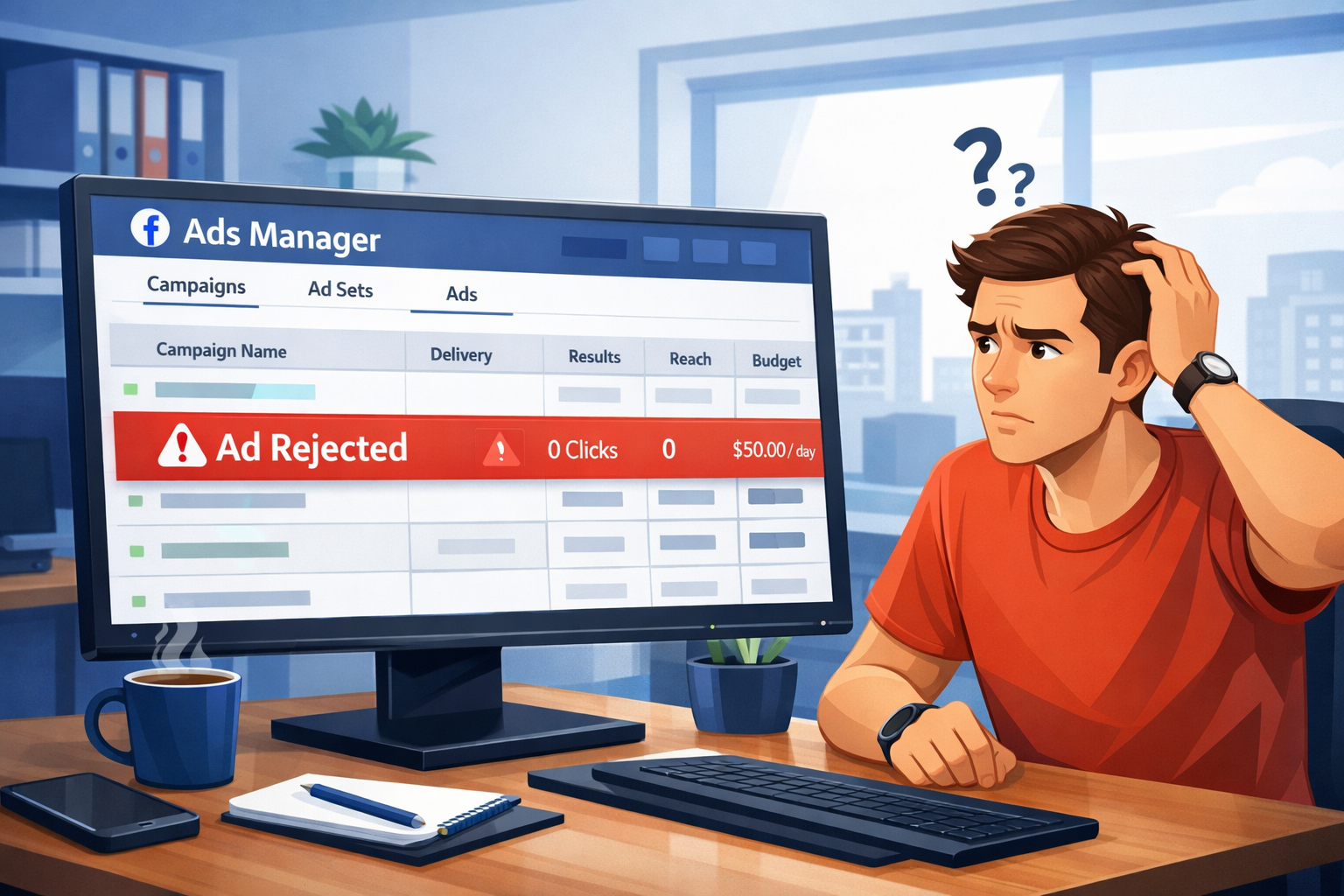
Facebook Ads Rejected का मतलब होता है कि आपका ad Meta (Facebook/Instagram) की rules/policies के हिसाब से approve नहीं हुआ, इसलिए वो users को show नहीं किया जाएगा। जब आप ad submit करते हैं, तो Meta पहले automated review करता है और कुछ cases में manual review भी हो सकता है।
अगर आपके ad की copy (text), image/video, headline, landing page, या offer में कोई rule-break/mismatch दिखता है, तो ad “Rejected” status में चला जाता है। अच्छी बात ये है कि Rejected होने का मतलब ये नहीं कि आपका ad account permanently banned हो गया है। Most cases में rejection temporary होती है—आप ad में changes करके फिर से submit कर सकते हैं।
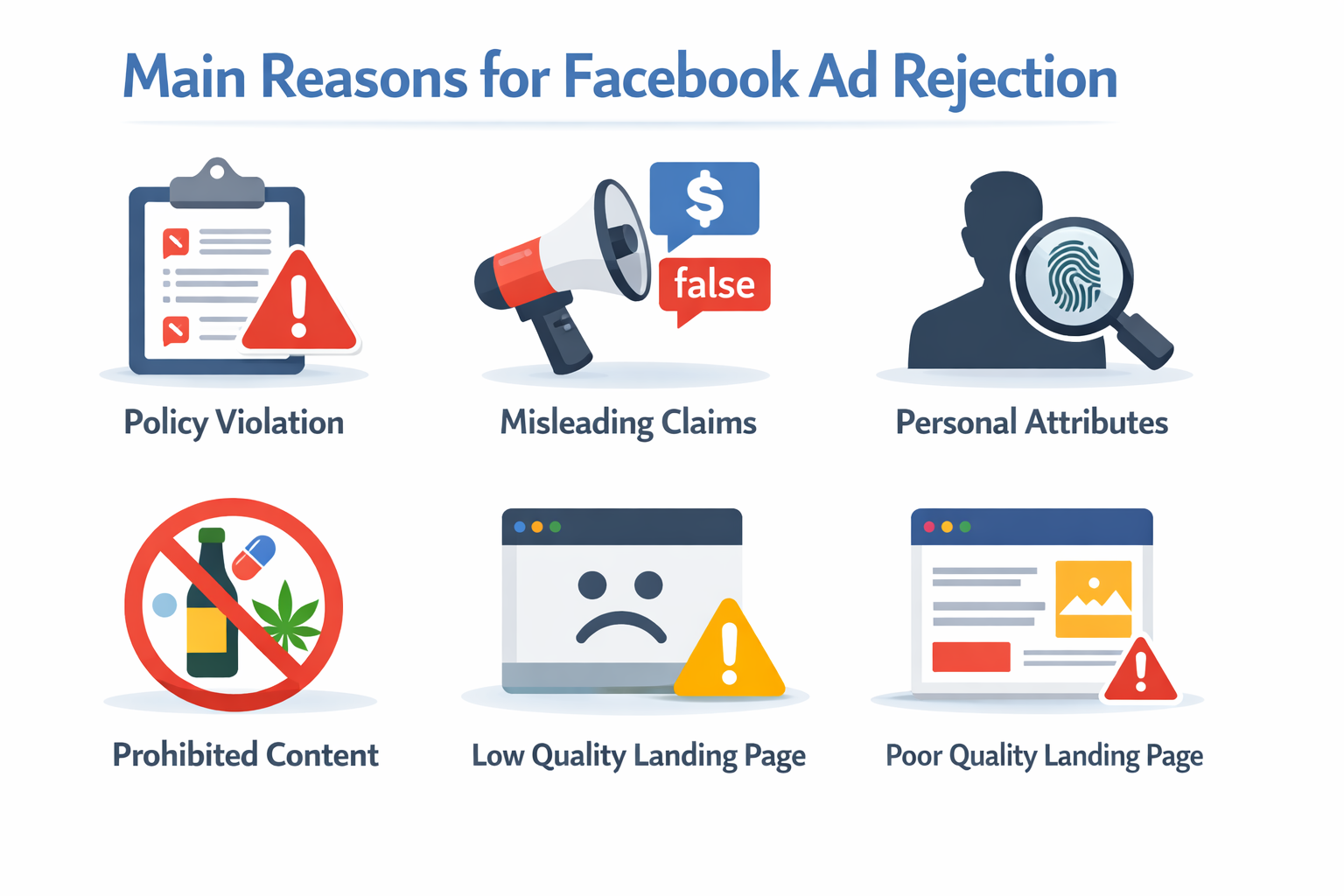
Meta आमतौर पर rejection के साथ reason भी दिखाता है, जैसे:
- Misleading / over-promising claims (जैसे “Guaranteed results”)
- Prohibited या sensitive content
- Personal attributes वाली targeting (जैसे “Are you diabetic?” type lines)
- Low-quality या mismatch landing page
- Policy-related issues
Rejected vs Disapproved – Difference समझें
| Rejected | Disapproved |
|---|---|
| Policy violation पाया गया | Ad policy match नहीं कर पाया |
| Ad run नहीं होगा | Ad run नहीं होगा |
| Fix करके re-submit possible | Edit करके submit कर सकते हैं |
| Repeated होने पर risk | Usually low risk |
3. Facebook Ads Rejected होने के Main Reasons
Facebook Ads reject होने का सबसे common reason होता है rules follow न करना। अगर ad में over-promising claims जैसे “100% guarantee”, “Instant results” या unrealistic income promises लिखे होते हैं, तो Meta उसे risky मान सकता है।
दूसरा बड़ा कारण है personal attributes mention करना। जैसे किसी ad में सीधे पूछना —
“Are you diabetic?” “Low income से परेशान हैं?” ऐसी lines user की personal condition को target करती हैं, जो allowed नहीं है।
Landing Page Issues भी बड़ा कारण है कई बार ad सही होता है, लेकिन landing page weak होने की वजह से disapprove हो जाता है। Meta ad और landing page दोनों को साथ में review करता है। उदाहरण:
- Website slow load हो रही है
- Broken links हैं
- Offer ad से match नहीं कर रहा
- Proper disclaimer नहीं है
Visual & Content Related Problems
इन वजहों से भी ad Reject हो सकता है:
- Before–after images (खासकर health/fitness में)
- Shocking या adult visuals
- Restricted products (health supplements, crypto claims आदि)
- Fake celebrity endorsement
- Copyrighted images का misuse
- Business details clear न होना
4. Meta Ads Policy 2026 – Short & Simple
Meta Ads Policy 2026 का basic goal simple है — users को safe, honest और trustworthy ads दिखाना।
Facebook और Instagram पर वही ads approve होते हैं जो clear, transparent और non-misleading होते हैं।
अगर ad में over-promising claims, fake guarantees या sensitive targeting होती है, तो approval मुश्किल हो सकता है। Ad message और landing page का match होना भी बहुत जरूरी है।
2026 में Meta किन बातों पर ज्यादा strict है?
- False claims या “100% guarantee” जैसे promises
- User की personal attributes (health, income, age) directly mention करना
- Before–after images या shocking visuals
- Restricted niches (health, finance, crypto) में extra compliance
- Landing page fast, transparent और genuine होनी चाहिए
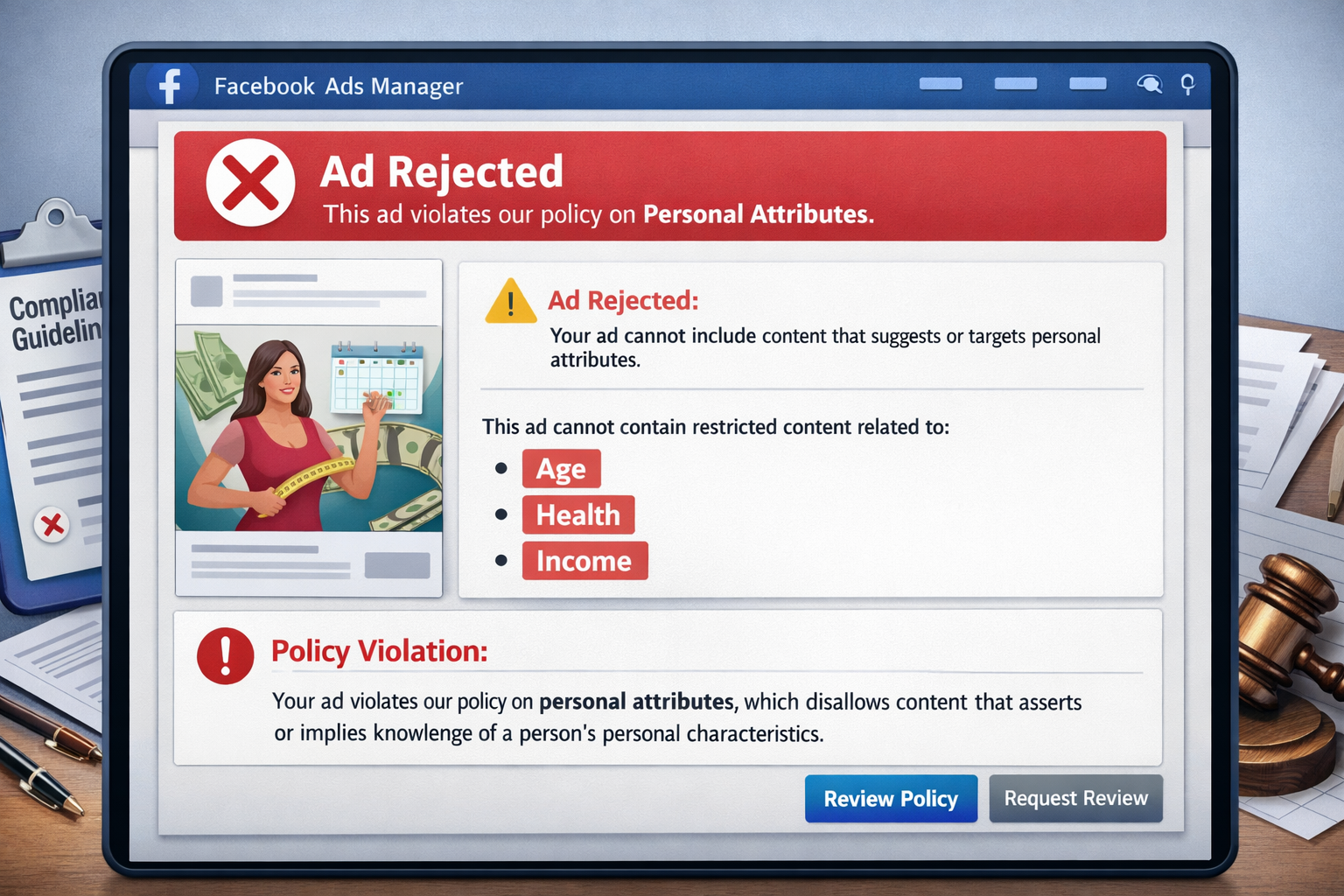
6. Misleading / False Claims की वजह से Facebook Ads Reject क्यों होते हैं?
Misleading या False Claims Facebook Ads rejection का एक बहुत बड़ा कारण होते हैं, क्योंकि Meta users को fake promises और exaggerated marketing से protect करना चाहता है। जब कोई ad ऐसे claims करता है जो realistic नहीं लगते—जैसे “100% guaranteed results”, “Instant cure”, “Earn ₹1 lakh in 7 days” या बिना proof के bold statements—तो Meta का system उसे misleading मान लेता है और ad reject हो जाता है।
Meta policy के according, advertisers को ऐसे claims नहीं करने चाहिए जो users को confuse, mislead या false hope दें, खासकर health, finance, weight loss और earning niches में। अगर ad copy और landing page content match नहीं करते या claim over-promising लगता है, तो rejection chances और भी बढ़ जाते हैं। किस तरह के claims risky होते हैं?
- “Guaranteed results”
- “100% working solution”
- “Instant cure / fast results”
- “Lose 10kg in 7 days”
- “Earn ₹50,000 daily without work”
Facebook इन claims को unrealistic और misleading मानता है।
9. Low Quality Creatives (Image / Video) की वजह से Ads Reject क्यों होते हैं?
Facebook और Instagram पर ad Approve करने में creative quality बहुत important role play करती है। अगर image या Video blurred, pixelated, low resolution या Unclear Message वाली होती है, तो Meta उसे Poor user Experience मानता है और ad Reject कर सकता है। Meta का goal users को clean, professional और Trustworthy ads दिखाना है।
Low Quality Creatives में अक्सर excessive text, misleading visuals, shocking images या unrelated graphics use किए जाते हैं, जिससे ad spammy लगता है। इसके अलावा videos में unclear audio, poor lighting या Misleading Thumbnails भी rejection का Reason बन सकते हैं। अगर creative user को Confuse करता है या Trust Break करता है, तो Meta उसे Approve नहीं करता।
Low Quality Creatives में क्या आता है?
- Blurry या pixelated images
- बहुत ज्यादा text वाली images
- Clickbait visuals (fake arrows, circles, shocking faces)
- Misleading before–after style images
- Poor lighting या low-resolution videos
Facebook चाहता है कि user को clear और honest visuals दिखें।
10. Ad Copy Writing Mistakes जो Rejection करवाती हैं
Facebook Ads में ad copy सबसे sensitive part होता है। अगर copy गलत तरीके से लिखी गई हो, तो ad easily reject हो सकता है। सबसे common mistake होती है misleading या over-promising language use करना, जैसे unrealistic results या guaranteed outcomes दिखाना। ऐसी copy user को false hope देती है, इसलिए Meta इसे allow नहीं करता।
दूसरी बड़ी mistake है personal attributes को directly mention करना, जैसे user की age, health condition, income या personal struggle को point out करना। इसके अलावा fear-based copy, pressure words (“Act now or lose everything”), misleading questions और clickbait headlines भी rejection का कारण बनते हैं। Grammar mistakes, unclear messaging और ad–landing page mismatch भी copy quality को low दिखाते हैं।
Restricted Niches (High Risk)
- Health & supplements
- Weight loss
- Finance, loan, credit
- Crypto / investment
- Affiliate marketing offers
12. Facebook Ads Account Trust Issue क्या होता है?
Facebook Ads Account Trust Issue तब होता है जब Meta को आपके ad account या business पर trust कम लगने लगता है। इसका मतलब यह नहीं कि आपने कोई बड़ा rule तोड़ा है, बल्कि अक्सर यह issue repeated ad rejections, policy warnings, new account activity या suspicious behavior की वजह से आता है। जब trust score low हो जाता है, तो ads बार-बार reject होने लगते हैं या account पर extra reviews लग जाते हैं।
New ad accounts, incomplete business profile, frequent ad edits, sudden high spending, या same IP से multiple accounts चलाना भी trust issue create कर सकता है। Meta चाहता है कि advertisers consistent, transparent और policy-compliant behavior दिखाएँ। अगर system को risk महसूस होता है, तो वह ads approve करने में strict हो जाता है।
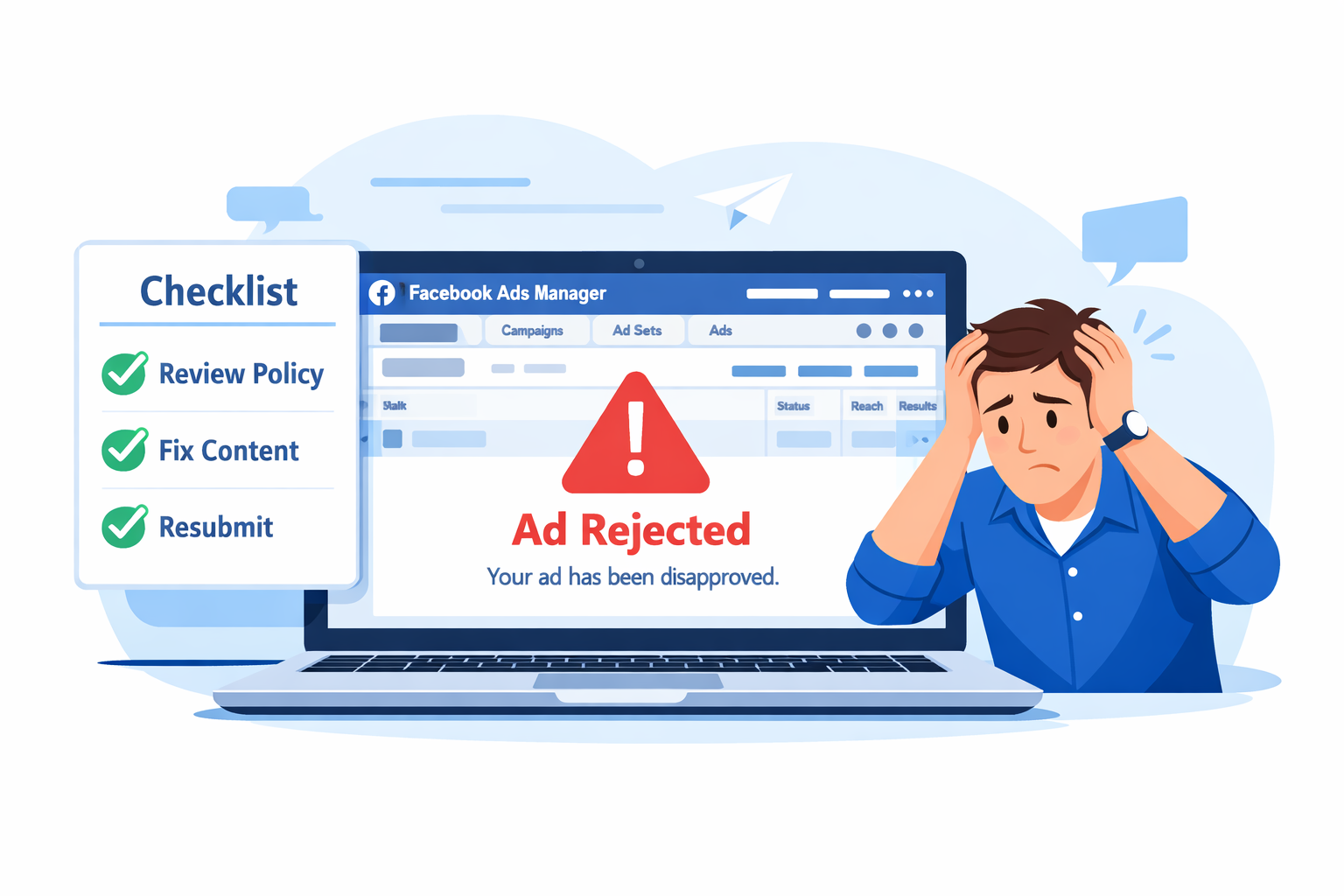
13. Facebook Ads Rejected होने पर सबसे पहले क्या करें?
अगर आपका Facebook ad reject हो जाए, तो सबसे पहले panic न करें। यह common situation है, और ज्यादातर cases में small fixes के बाद approval मिल जाता है। सबसे पहला step है — Ads Manager में जाकर rejection reason ध्यान से पढ़ना। Meta आमतौर पर clear hint देता है कि issue कहाँ है — copy में, creative में या landing page में।
Next क्या करें?
- Ad copy को review करें — क्या कोई risky या over-promising claim है?
- Image / video check करें — कहीं misleading या sensitive visual तो नहीं?
- Landing page open करें — क्या ad message से match कर रहा है?
- Personal attributes या bold claims तो mention नहीं हैं?
Same ad को बिना change किए resubmit करना avoid करें। Better है कि proper correction करके fresh version submit करें। अगर आपको लगता है कि rejection गलती से हुआ है, तो “Request Review” option से manual review भी request कर सकते हैं।
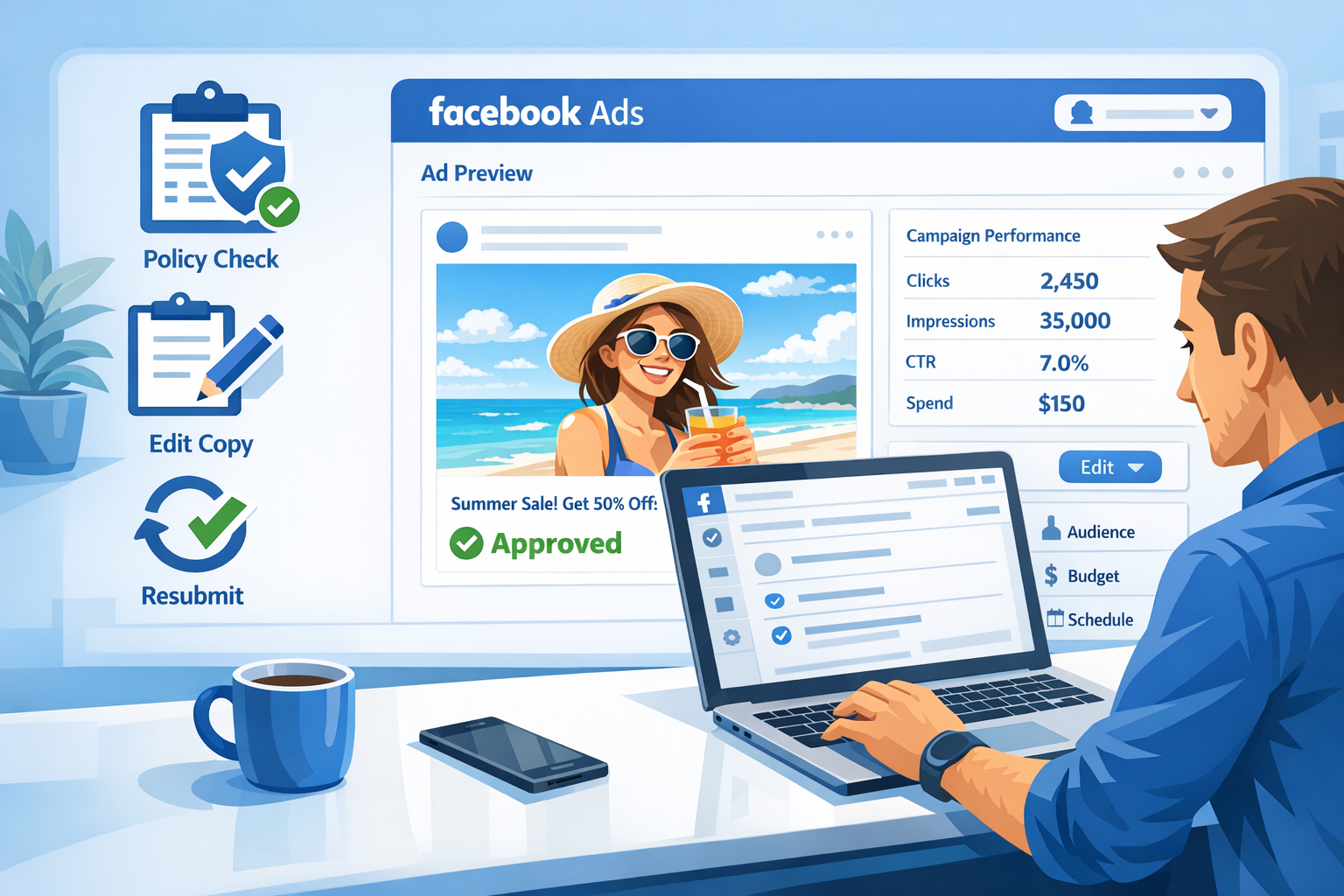
14. Facebook Ads Fix कैसे करें?
Ad reject होने के बाद panic करने की जरूरत नहीं है। सही तरीके से issue समझकर fix करना ज्यादा important है।
Step-by-Step Fix Process
1. Reject ad को पहले pause करें।
2. Rejection reason carefully पढ़ें — guesswork न करें।
3. Ad copy में risky words remove करें (जैसे “Guaranteed”, “Instant results”)।
4. Image या video अगर aggressive या misleading लग रही हो, तो clean और neutral creative use करें।
5. Landing page open करके check करें —
- Ad message से match कर रहा है?
- Disclaimer clear है?
- Page fast load हो रहा है?
6. Minor edit करने के बजाय, जरूरत हो तो proper rewrite करके new ad create करें।
Tip: Same rejected ad को बार-बार resubmit करना safe नहीं होता। Fresh compliant version बनाना बेहतर है।
Facebook Ads Rejection से कैसे बचें?
Best strategy यह है कि rejection होने से पहले ही mistakes avoid कर ली जाएँ। Prevention Checklist (Ad Submit करने से पहले)
- क्या Ad copy realistic है?
- क्या personal attributes direct mention नहीं हैं?
- क्या landing page transparent और clean है?
- क्या claims soft और believable हैं?
- क्या ad और landing page का message match कर रहा है?
हर ad submit करने से पहले यह checklist mentally run करें। 2 मिनट की review future problem बचा सकती है।
FAQs
1. Facebook Ads Reject हो गए, क्या Account safe है?
हाँ, Single ad Rejection का मतलब account ban नहीं होता। अक्सर ads small policy issues की वजह से Reject होते हैं। आप ad edit करके दोबारा submit कर सकते हैं। लेकिन अगर बार-बार serious violations हों, तब risk बढ़ सकता है।
2. कितनी बार rejection होने पर account disable होता है?
Meta ने कोई fixed number नहीं बताया है। लेकिन अगर repeatedly same type की mistakes होती रहें, तो system account को risky मान सकता है।
3. क्या Affiliate ads Facebook पर Safe हैं?
हाँ, affiliate ads allowed हैं — बस ad copy realistic होनी चाहिए और landing page compliant होना चाहिए।
Avoid करें Policy-safe content के साथ affiliate ads safely run किए जा सकते हैं।
- “Guaranteed income”
- Fake testimonials
- Unrealistic claims
4. Ad review में कितना Time लगता है?
Usually review few hours के अंदर complete हो जाता है। कभी-कभी 24 hours तक भी लग सकते हैं। अगर review delay हो, तो panic करने की जरूरत नहीं है — system queue पर depend करता है।
5. Rejected ad को कैसे fix करें?
Rejection reason check करें → Problem identify करें → Ad copy या landing page edit करें →
Re-submit करें। अगर आपको लगता है rejection गलती से हुआ है, तो manual review request भी कर सकते हैं।
Conclusion
अब आपको clearly समझ आ गया होगा कि Facebook Ads reject क्यों होते हैं और यह issue कितना common है। अक्सर problem product में नहीं होती, बल्कि ad copy, creative या landing page compliance में होती है।
अगर आप:
- Personal attributes directly mention नहीं करते
- “Guaranteed” या unrealistic claims avoid करते हैं
- Clean creatives और transparent landing page use करते हैं
- Rejection reason को समझकर calmly fix करते हैं
तो Approval मिलने की Chance काफी improve हो जाती हैं। याद रखें, Facebook Ads कोई quick sales hack नहीं है। यह Trust-Based platform है। Repeated mistakes account risk बढ़ा सकती हैं, इसलिए हर rejection को learning opportunity की तरह लें। Policy-first mindset अपनाएँ, patience रखें और compliant ads बनाएँ —तभी 2026 में भी Facebook Ads आपके business के लिए safe और effective growth tool बने रहेंगे।